
RAID 1 corrupted mirror recovery: how to recover a corrupted RAID 1 mirror safely
RAID 1 is built on the idea of safety through duplication. Every piece of data is written to two drives, creating a mirror that ensures if one disk fails, the other keeps your information intact. But what happens when the mirror itself becomes corrupted? A damaged RAID 1 array can leave administrators confused—data exists on both drives, yet logical errors, metadata corruption, or simultaneous disk issues make recovery far from straightforward.
This article explains how RAID 1 corruption occurs, why a “mirror” doesn’t always guarantee protection, and the methods available to recover data when the array is damaged. From identifying the root cause to using specialized recovery tools, we’ll walk through practical steps to bring a corrupted RAID 1 mirror back to life.
Why RAID 1 mirrors get corrupted despite redundancy
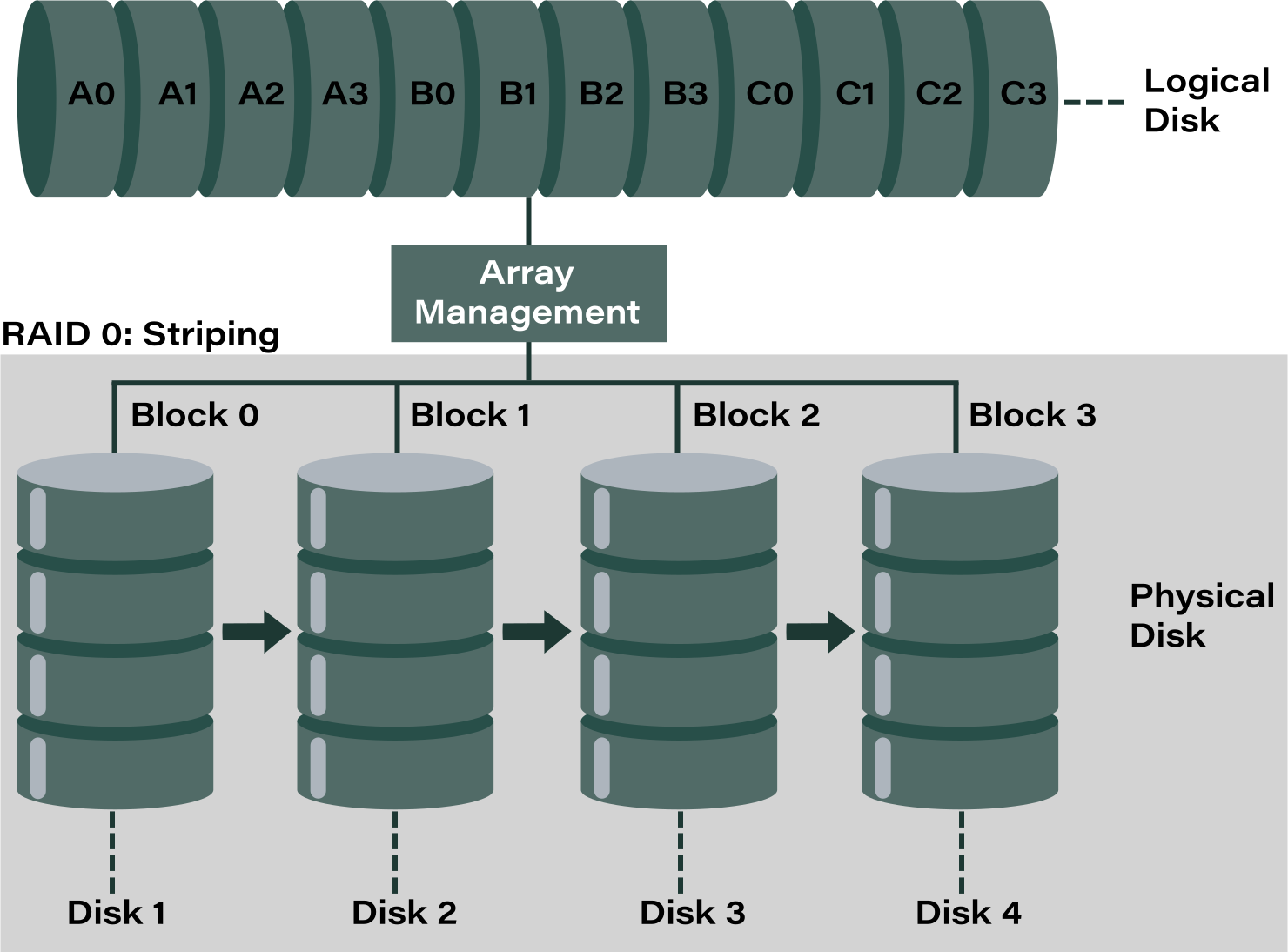
RAID 1 mirrors data, not correctness
RAID 1 is often seen as a safe option because it duplicates every block of data across two drives. But it’s important to understand that RAID 1 mirrors data blocks, not the correctness of the file system. If corruption occurs at the logical level—such as a damaged file system structure or broken metadata—that corruption is instantly written to both drives. In other words, redundancy protects against hardware failure, but it does not protect against logical errors.
Most common corruption triggers
Several everyday scenarios can cause a RAID 1 mirror to become corrupted despite having two drives:
- Power loss during write operations – sudden outages can interrupt writes, leaving incomplete or inconsistent data mirrored across both disks.
- Controller or firmware glitches – a malfunctioning RAID controller or buggy firmware can introduce errors that are faithfully duplicated.
- OS crash while metadata is being updated – if the operating system crashes during a metadata update, both drives record the corrupted state.
- Silent bit rot on both drives – gradual degradation of magnetic or flash storage can flip bits without detection, leading to identical corruption across the mirror.
These triggers highlight the core limitation of RAID 1: it ensures availability when a disk fails, but it cannot guarantee protection against corruption that affects the data itself.
RAID 1 mirror inconsistency: what it actually means
Out‑of‑sync vs logically corrupted mirror
A RAID 1 mirror can fail in two very different ways:
- Out‑of‑sync mirror – the data blocks on each disk differ, but at least one copy may still be valid. In this case, recovery tools can often identify the “good” disk and rebuild the array from it.
- Logically corrupted mirror – both disks contain identical bad data. Because RAID 1 duplicates every write operation, corruption is mirrored instantly. This means both drives look healthy at the hardware level, but the file system or metadata is broken in the same way on each.
Understanding the difference is critical: an out‑of‑sync mirror offers a path to recovery, while a corrupted mirror requires deeper analysis and reconstruction.
Why rebuild does not fix corruption
A rebuild is designed to copy data from one disk to the other. If one disk is corrupted, the rebuild simply duplicates the corruption across the array. The controller may then report the array as “healthy,” but the data inside remains damaged and unrecoverable through normal means.
This is why administrators must be cautious: a “healthy” RAID 1 status does not always equal usable data. Logical corruption requires specialized recovery tools that can bypass the controller and work directly with disk contents to salvage files.
How to identify a corrupted RAID 1 mirror
Typical symptoms
A corrupted RAID 1 mirror often looks normal at first glance, but the data inside tells a different story. Common warning signs include:
- Files open but contain garbage – documents or media files may launch, but the content is unreadable, scrambled, or incomplete.
- File system mounts but reports errors – the operating system can mount the volume, yet it immediately shows file system errors, missing directories, or prompts for repair.
These symptoms indicate that corruption has been mirrored across both drives, leaving the array technically accessible but logically damaged.
What NOT to trust
When diagnosing RAID 1 corruption, it’s important to avoid false reassurance:
- RAID controller “Optimal” state – controllers typically report the array as healthy because both disks are online. This status reflects hardware availability, not data integrity.
- Automatic resync recommendations – a resync simply copies data from one disk to the other. If corruption exists, resyncing will duplicate the bad data and make recovery harder.
In short, don’t rely on controller messages alone. The real test is whether files open correctly and the file system remains consistent.
Recover corrupted RAID 1 mirror: correct recovery strategy
Golden rule: never rebuild first
The most important rule in RAID 1 corruption recovery is never start with a rebuild. A rebuild simply copies data from one disk to the other. If corruption exists, the rebuild will overwrite potentially recoverable information with bad data, destroying your chances of recovery.
Instead, the first step should always be to work on disk images. Create sector‑by‑sector copies of both drives before making any changes. This preserves the original state of the disks and allows recovery tools to analyze them safely without risking further damage.
Break the mirror safely
Once images are secured, the next step is to break the mirror so each disk can be treated as an independent source. If possible, disable the RAID in read‑only mode to prevent accidental writes. This ensures that no controller logic or resync process alters the data during recovery.
By working with each disk separately, recovery specialists can compare contents, identify which drive holds the most consistent data, and reconstruct files without interference from the RAID controller. This approach maximizes the chances of salvaging usable information from a corrupted mirror.
RAID 1 corrupted mirror data recovery methods
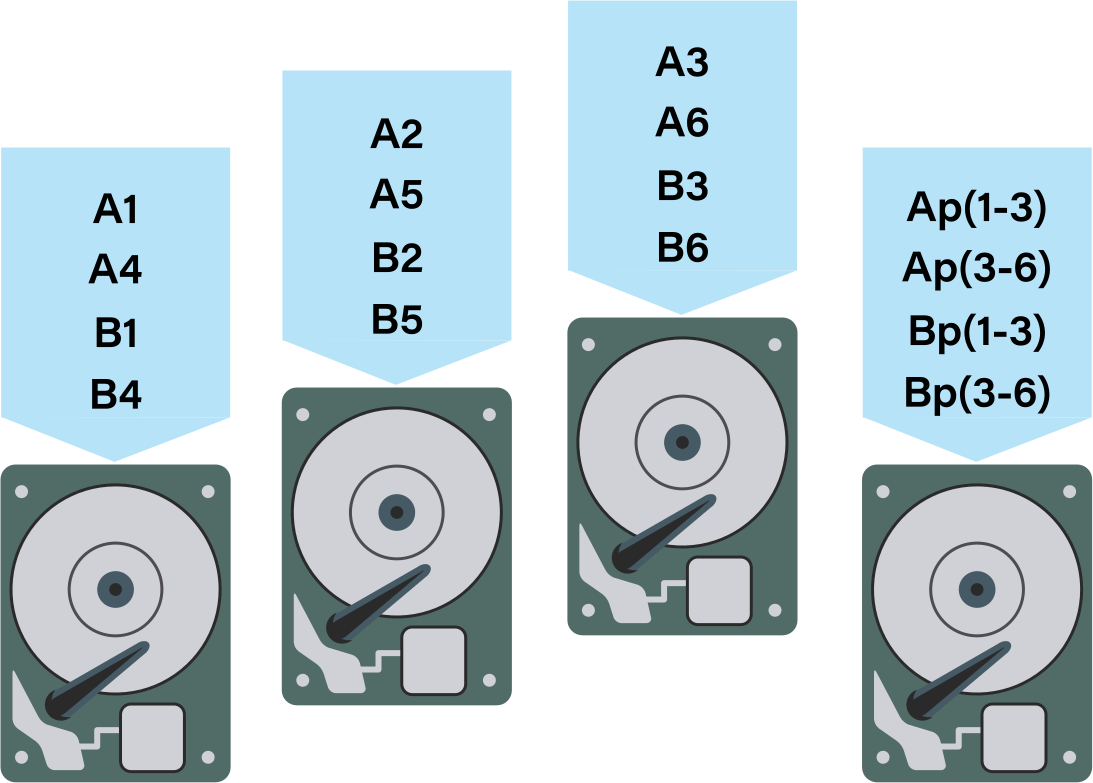
File system–level recovery
When corruption is logical rather than physical, file system–level recovery can often restore access. Tools designed for NTFS, EXT4, or XFS can rebuild damaged metadata structures, repair partition tables, and reconstruct directory trees. This approach works best when the drives themselves are healthy but the file system has been corrupted by crashes, power loss, or improper shutdowns. In these cases, the mirror still contains valid data blocks, and fixing the metadata is enough to make files accessible again.
RAID‑aware recovery software
If corruption goes deeper—affecting RAID metadata or logical consistency—specialized RAID‑aware recovery software is required. These tools can manually reconstruct a RAID 1 array by defining disk order and layout, while ignoring corrupted metadata layers that would normally prevent access. By bypassing the RAID controller, they allow direct analysis of each disk’s contents.
Example: DiskInternals RAID Recovery
One widely used solution is DiskInternals RAID Recovery, which offers several key advantages:
- Builds RAID 1 virtually without modifying disks – the software reconstructs the array in memory, leaving the original drives untouched.
- Allows scanning each mirror member independently – each disk can be analyzed separately, helping identify which copy holds the most consistent data.
- Recovers files even when both mirrors are corrupted – by piecing together readable sectors, the tool can salvage usable data from damaged arrays.
- Preview before export – recovered files can be previewed to confirm integrity before saving, reducing the risk of extracting corrupted content.
This combination of file system repair and RAID‑aware reconstruction provides a practical path to recovery even when a RAID 1 mirror appears unrecoverable.
Ready to get your data back?
To start recovering your data, documents, databases, images, videos, and other files from your RAID 0, RAID 1, 0+1, 1+0, 1E, RAID 4, RAID 5, 50, 5EE, 5R, RAID 6, RAID 60, RAIDZ, RAIDZ2, and JBOD, press the FREE DOWNLOAD button to get the latest version of DiskInternals RAID Recovery® and begin the step-by-step recovery process. You can preview all recovered files absolutely forfree. To check the current prices, please press the Get Prices button. If you need any assistance, please feel free to contact Technical Support. The team is here to help you get your data back!
Comparison table: RAID 1 corruption scenarios and recovery chances
| Scenario | Rebuild safe? | Recovery chance | Recommended action |
| Power loss, FS corruption | ❌ No | High | Software recovery |
| Controller bug synced bad data | ❌ No | Medium | Deep scan |
| One disk logical, one clean | ❌ No | Very high | Isolate good disk |
| Both disks physically failing | ❌ No | Low | Lab recovery |
When RAID 1 corruption becomes unrecoverable
Even with careful recovery strategies, there are situations where RAID 1 corruption cannot be reversed. Being upfront about these limits helps set realistic expectations and builds confidence in the recovery process.
- Full overwrite during rebuild – if a rebuild has already copied corrupted data from one disk to the other, the original valid information is gone. Once overwritten, those sectors cannot be restored.
- Secure erase or reinitialization – drives that have been securely wiped or reinitialized lose all previous data. Recovery tools cannot bring back what has been deliberately erased at the hardware level.
- Severe physical damage on both drives – if both disks suffer catastrophic mechanical failure (e.g., head crash, platter damage, or firmware loss), no usable data remains. In these cases, even lab‑level recovery may not succeed.
Acknowledging these hard limits is important: RAID 1 offers redundancy, but it is not a substitute for backups. Once corruption crosses these boundaries, recovery is no longer possible.
How to prevent RAID 1 mirror corruption
UPS is mandatory
Sudden power loss is one of the most common causes of RAID 1 corruption. A UPS (Uninterruptible Power Supply) ensures that servers and storage systems have enough time to complete write operations and shut down cleanly during outages. Without it, incomplete writes can instantly corrupt both sides of the mirror.
Disable automatic rebuild on error
Many RAID controllers attempt to automatically rebuild when they detect an error. While this sounds helpful, it can be dangerous: if one disk is corrupted, the rebuild will simply copy the bad data to the other drive. Disabling automatic rebuild on error prevents this destructive duplication and gives administrators the chance to analyze the situation before taking action.
Backups still matter — RAID is not backup
RAID 1 provides redundancy against hardware failure, but it does not protect against logical corruption, accidental deletion, or malware. A corrupted mirror will faithfully replicate bad data across both drives. The only true safeguard is a separate backup strategy. Regular backups ensure that even if the RAID fails or becomes corrupted, your data can still be restored.