
When RAID 0 Is Acceptable: When You Should Use RAID 0 and When You Should Not
RAID 0 is often described as the “fast but fragile” member of the RAID family. By striping data across multiple drives, it delivers impressive performance gains and maximizes storage capacity. Yet, it comes with a glaring trade‑off: zero redundancy. For many IT professionals, this makes RAID 0 sound like a reckless gamble. But the truth is more nuanced. There are specific scenarios where RAID 0 is not only acceptable but can be the most practical choice—provided you understand the risks and limitations. In this article, we’ll explore when RAID 0 makes sense, the dangers you need to weigh, and how to decide if it’s the right fit for your workload.
The short answer: RAID 0 is acceptable only under strict conditions
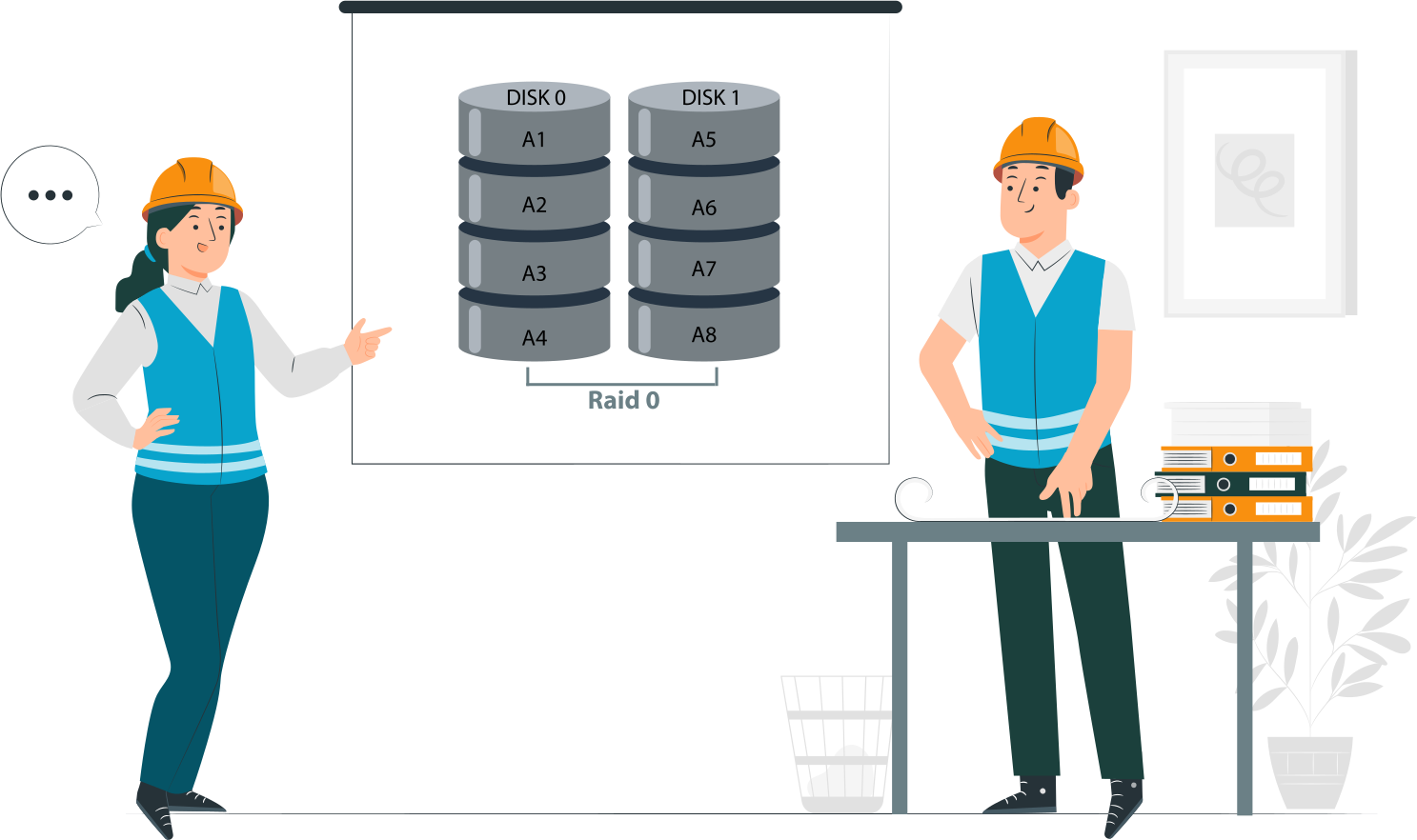
RAID 0 is not a safety mechanism. It provides no redundancy, no fault tolerance, and no recovery path. Its only advantages are speed and capacity, but those benefits never outweigh the risks for critical data.
RAID 0 is never a safety mechanism
- RAID 0 does not protect against drive failure. If one disk fails, the entire array collapses.
- Unlike RAID 1, 5, or 6, there is no mirroring or parity to rebuild lost data.
- Treating RAID 0 as a safeguard is a fundamental misunderstanding—it is purely a performance tool.
RAID 0 is acceptable only when failure is expected, tolerated, or reversible
- Expected failure: In test labs, scratch environments, or temporary workloads where data loss is anticipated.
- Tolerated failure: In non‑critical applications where downtime is acceptable and recovery is quick.
- Reversible failure: When data is easily restored from backups or regenerated without major cost.
Examples:
- Video editing scratch disks where raw footage is safely stored elsewhere.
- High‑speed caches that can be rebuilt.
- Gaming rigs where reinstalling software is trivial.
Performance alone never justifies RAID 0
- Speed gains are real, but they come with fragility.
- If performance is the only goal, alternatives like SSDs, NVMe drives, or RAID 10 offer safer acceleration.
- Using RAID 0 solely for throughput is shortsighted—it ignores the catastrophic risk of total data loss.
RAID 0 is a calculated risk. It belongs in contexts where data loss is manageable, downtime is acceptable, and recovery is straightforward. Anywhere else, it’s reckless.
What makes RAID 0 acceptable or unacceptable
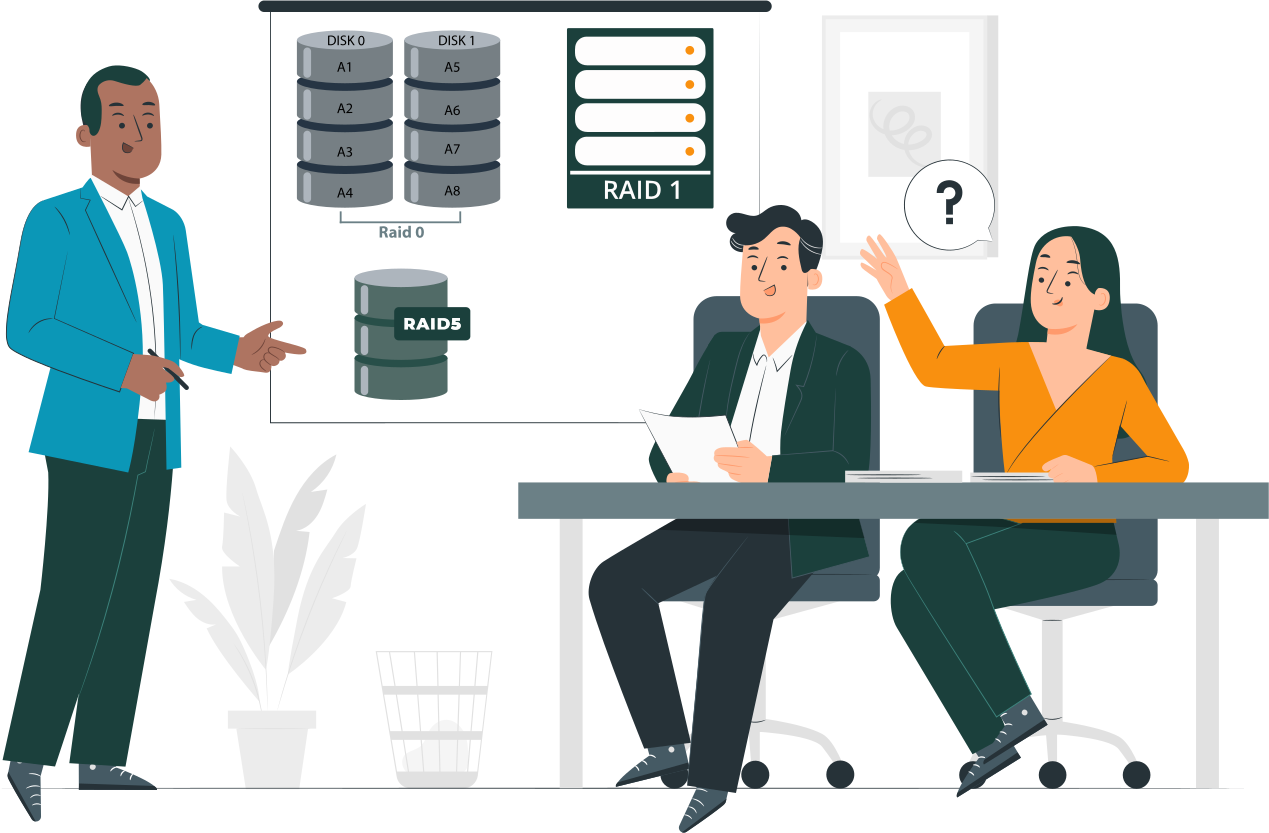
Most discussions of RAID 0 focus on speed versus risk, but few competitors formalize a clear decision framework. To cut through the noise, here’s a practical way to decide whether RAID 0 belongs in your environment.
Three conditions that must all be true
RAID 0 is only acceptable if all three of these conditions are met simultaneously:
- Data can be lost without business or personal impact
The array should contain information that is disposable, temporary, or easily replaceable. If losing it would disrupt operations, finances, or personal records, RAID 0 is off the table. - Data can be recreated faster than it can be restored
If rebuilding the dataset (e.g., re‑rendering video files, reinstalling software, regenerating cache) is quicker than restoring from backup, RAID 0 may be justified. - The system has an independent recovery path
Backups, source files, or alternative workflows must exist outside the RAID 0 array. Without a safety net, RAID 0 becomes an unacceptable single point of failure.
One condition that immediately disqualifies RAID 0
If any requirement for data protection, availability, or continuity exists, RAID 0 is automatically disqualified.
- Mission‑critical databases, production servers, or business records cannot tolerate RAID 0’s fragility.
- Even high‑performance workloads must prioritize resilience if uptime or data integrity is non‑negotiable.
Acceptable use cases for RAID 0 in practice
RAID 0 is rarely the right choice, but there are narrow scenarios where its performance benefits outweigh the risks. These use cases share one trait: data loss is either inconsequential or easily reversible.
Workstation workloads
- NVMe RAID 0 for large sequential writes. Creative professionals working with massive video files or scientific datasets may benefit from RAID 0 striping across NVMe drives. The throughput boost accelerates sequential write operations, making scratch work faster.
- Local‑only acceleration with remote backups. When the RAID 0 array is used purely as a local performance tier, and all critical data is backed up remotely, the risk is mitigated. The array becomes a disposable workspace rather than a storage vault.
HPC and research environments
- Checkpointed computations. In high‑performance computing, RAID 0 can serve as a temporary staging area for calculations. If the system checkpoints progress regularly, a failed array only means re‑running from the last checkpoint.
- Output written elsewhere after completion. Research workloads often generate large intermediate files that are later exported to durable storage. RAID 0 can accelerate this process, provided the final results are secured outside the array.
Gaming and consumer PCs (limited scope)
- Load‑time optimization only. RAID 0 can reduce game load times by striping across drives, offering a smoother user experience.
- No unique or irreplaceable data stored. Games, applications, and media libraries can be reinstalled or re‑downloaded. As long as personal files are kept elsewhere, RAID 0 remains a safe indulgence for enthusiasts.
When you should use RAID 0, and when you absolutely should not

The decision to deploy RAID 0 should never be casual. It requires a clear understanding of what RAID 0 can—and cannot—deliver. Here’s a practical breakdown of the conditions under which RAID 0 is acceptable, and the scenarios where it becomes a liability.
Use RAID 0 if
- Data is noncritical. The array holds disposable or easily replaceable information, such as temporary files, caches, or game installations. Losing this data has no lasting impact.
- Downtime has zero cost. If the system can fail without disrupting business operations or personal productivity, RAID 0 may be acceptable. Examples include hobbyist rigs or scratch environments.
- Backups exist outside the array. Critical files are secured elsewhere—on remote servers, cloud storage, or independent drives. RAID 0 is then used purely as a performance tier, not a storage vault.
Never use RAID 0 if
- The system stores primary data. Business records, personal archives, or production datasets cannot risk RAID 0’s fragility. One disk failure means total loss.
- The array hosts OS, databases, or VMs. Operating systems, virtual machines, and databases demand stability and continuity. RAID 0’s lack of redundancy makes it unsuitable for these workloads.
- Recovery time matters. If downtime carries financial, operational, or reputational costs, RAID 0 is disqualified. Faster performance is meaningless if recovery takes hours or days.
RAID 0 vs safer alternatives
| Requirement | RAID 0 | Single NVMe | RAID 10 |
| Performance | High | High | High |
| Fault tolerance | None | Single-disk | Yes |
| Recovery complexity | Extreme | Low | Moderate |
| Acceptable for production | No | Sometimes | Yes |
What happens when RAID 0 fails
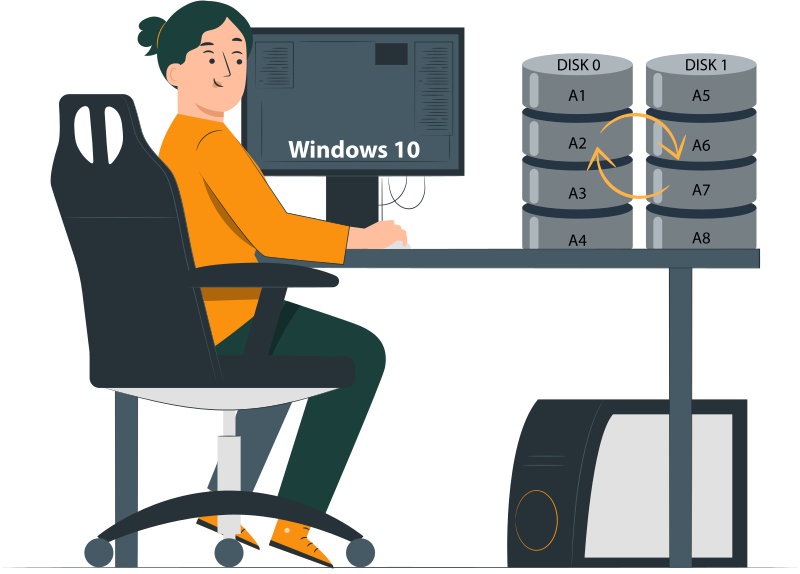
RAID 0 delivers speed, but its failure profile is brutal. Understanding the consequences is essential for anyone considering this configuration.
Why RAID 0 failures are catastrophic
- No parity. Unlike RAID 5 or 6, RAID 0 has no parity blocks to rebuild lost data.
- No mirrors. Unlike RAID 1 or 10, there is no duplication of data across drives.
- One disk failure destroys the array. Because data is striped, the loss of a single disk means the entire dataset is fragmented beyond use. The array collapses instantly, and recovery becomes complex and uncertain.
Recovery options after RAID 0 failure
- Software‑based reconstruction when metadata survives. Specialized recovery tools can sometimes rebuild the array if RAID metadata is intact.
- Example: DiskInternals RAID Recovery can detect stripe parameters and attempt reconstruction without altering source drives.
- Manual stripe reconstruction. In cases where metadata is lost, recovery may require manually re‑creating the stripe order and block size.
- This method only works if no disks have been overwritten.
- It demands technical precision and is often time‑consuming.
- No changes to source drives. Any recovery attempt must avoid writing to the original disks. Preserving the raw data is critical; overwriting even a single block can make recovery impossible.
Risk mitigation if RAID 0 is unavoidable
Even with its fragility, some environments may still choose RAID 0 for performance reasons. In those cases, risk mitigation is not optional—it is mandatory. The following safeguards and configuration practices can reduce the damage when RAID 0 inevitably fails.
Mandatory safeguards
- Daily image‑based backups. Full-disk images ensure that the entire system can be restored quickly. Incremental backups alone are insufficient—RAID 0 requires complete snapshots to recover from catastrophic failure.
- UPS to prevent write corruption. A reliable uninterruptible power supply (UPS) protects against sudden outages that can corrupt striped data. This minimizes the risk of partial writes that make recovery impossible.
- SMART monitoring and proactive replacement. Continuous monitoring of drive health via SMART data helps identify failing disks early. Drives should be replaced proactively at the first sign of degradation, not after failure.
Configuration practices that reduce damage
- Larger stripe sizes for sequential workloads. Choosing larger stripe sizes optimizes RAID 0 for sequential operations, reducing fragmentation and improving recovery chances. This is particularly useful for workloads like video editing or scientific data staging.
- Avoid OS and application installs on RAID 0. Operating systems, databases, and applications should never reside on RAID 0 arrays. Keeping them on independent, redundant storage ensures that a RAID 0 failure doesn’t cripple the entire system.