
Best PCIe RAID Controller: Best PCIe RAID Card and PCI Express RAID Controller Guide
PCIe RAID controllers are the backbone of modern high‑performance storage. They determine how well servers and SSD arrays handle throughput, redundancy, and recovery under load.
In this guide, we compare the top hardware PCI Express RAID cards, focusing on real‑world performance, cache protection, and architectural differences. From enterprise‑grade controllers built for virtualization and databases to budget options aimed at smaller deployments, you’ll see which PCIe RAID solutions deliver predictable speed, safe rebuilds, and long‑term reliability.
By the end, you’ll know exactly which PCIe RAID controller fits your workload—whether that means scaling NVMe arrays, protecting mission‑critical data, or balancing cost and performance.
Short Answer: What Makes the Best PCIe RAID Controller Today
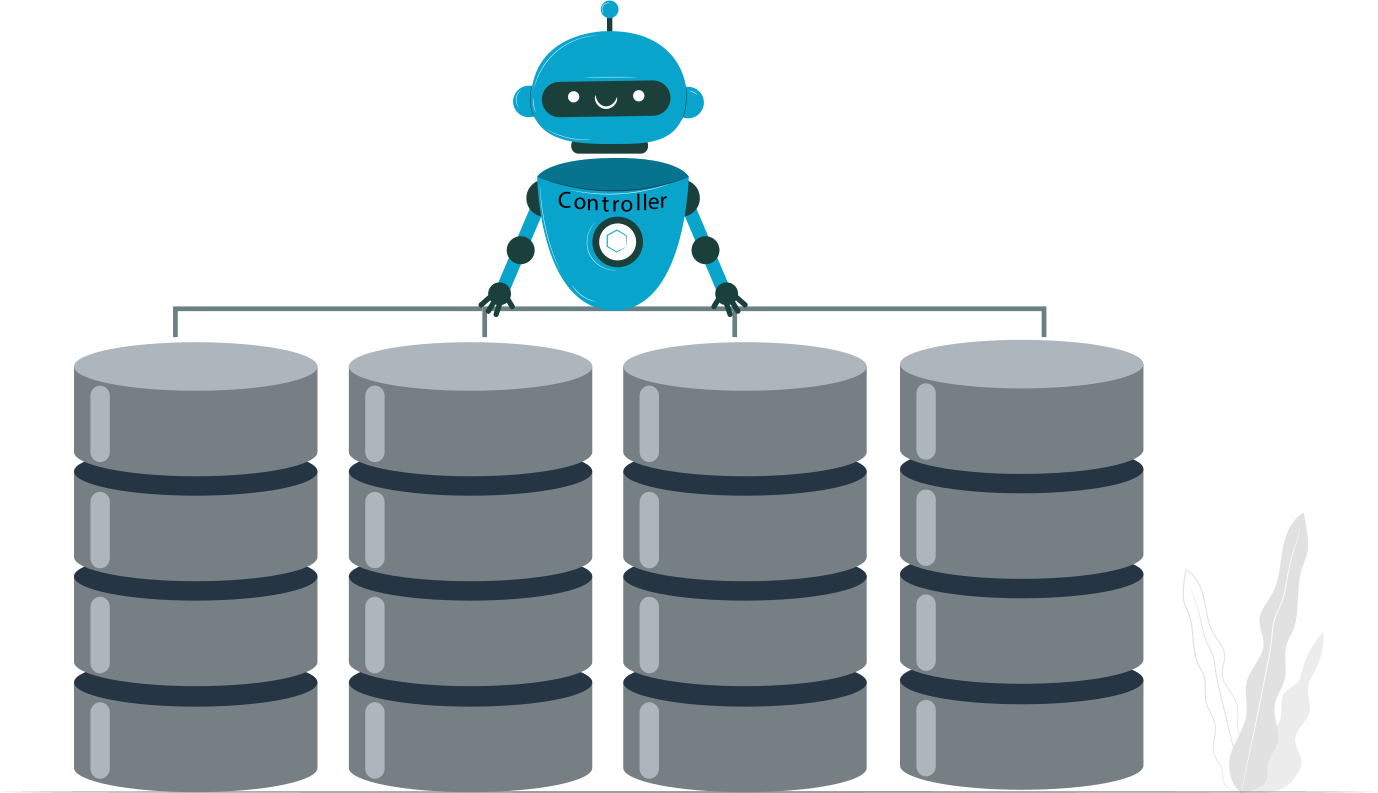
- Hardware RAID still matters – It delivers consistent performance and reliable recovery control that software RAID often cannot match under sustained workloads.
- Cache, firmware maturity, and vendor support outweigh raw bandwidth – A well‑protected cache and stable firmware ecosystem define real‑world reliability far more than PCIe version numbers or headline throughput.
- Cheap PCIe RAID cards create hidden long‑term risk – Missing cache protection, immature firmware, and weak vendor support expose systems to data loss and downtime.
In practice, the best PCIe RAID controller is the one that prioritizes data safety and operational resilience over marketing specs.
Tip: what is a RAID hard driveWhat Buyers Mean by “Best” PCIe RAID Controller
Performance Under Sustained Load
When buyers say “best,” they usually mean controllers that hold up under real workloads, not just synthetic benchmarks:
- Random write handling – The ability to maintain stable throughput during small, scattered I/O operations.
- Queue depth behavior – How performance scales as multiple requests stack up, especially in virtualization and database environments.
Data Safety and Failure Containment
Reliability is often valued more than raw speed:
- Cache protection (BBU / supercap) – Battery backup units or supercapacitors safeguard cached data during power loss, preventing corruption.
- Predictable rebuild behavior – Controllers that rebuild arrays consistently without crippling performance are considered far more trustworthy.
Operational Lifespan and Support
Long‑term usability defines whether a RAID controller is truly “best”:
- Firmware updates – Mature, regularly updated firmware ensures stability and fixes vulnerabilities.
- OS and hypervisor compatibility – Broad support across Windows, Linux, and VMware/Hyper‑V environments makes deployment smoother and reduces risk.
PCIe RAID Controller Architecture: What Separates Good from Bad
True Hardware RAID vs. Software‑Assisted Controllers
- Dedicated ROC vs. host CPU dependency – True hardware RAID controllers use a dedicated RAID‑on‑Chip (ROC) to handle parity calculations, rebuilds, and cache management independently. Software‑assisted controllers offload these tasks to the host CPU, which introduces variability and overhead.
- Why “fake RAID” fails under stress – Controllers marketed as RAID but lacking dedicated hardware often collapse under sustained load. They struggle with rebuilds, queue depth saturation, and write‑heavy workloads, exposing data to higher risk.
Cache Memory and Write‑Back Policy
- DRAM size impact – Larger onboard DRAM caches allow controllers to absorb bursts of writes, smooth out latency, and accelerate rebuilds. Small caches quickly saturate, limiting throughput.
- Why write‑through kills performance – In write‑through mode, data bypasses the cache and goes directly to disk. While safer without battery backup, it drastically reduces performance, especially for random writes.
PCIe Generation and Lane Width
- PCIe 3.0 vs. 4.0 real‑world differences – While PCIe 4.0 doubles theoretical bandwidth, RAID performance gains depend on controller firmware and workload type. Many enterprise RAID cards still deliver consistent results on PCIe 3.0.
- Lane bottlenecks with SSD arrays – With multiple SSDs or NVMe drives, insufficient PCIe lanes become the limiting factor. Even high‑end controllers can bottleneck if lane allocation doesn’t match the array’s parallelism.
Best Hardware RAID Controller PCIe: Key Feature Checklist
Supported RAID Levels
The best PCIe RAID controllers must cover the common enterprise RAID sets:
- RAID 0, 1, 5, 6, 10 expectations – Controllers should reliably support these levels, balancing speed, redundancy, and usable capacity. RAID 6 and RAID 10 are especially critical for servers and SSD arrays where rebuild predictability and write stability matter.
Drive Compatibility
Modern workloads demand flexibility across multiple drive types:
- SATA, SAS, SSD, NVMe support – Enterprise controllers should handle mixed environments, from legacy spinning disks to high‑performance NVMe SSDs.
- Mixing drive types risks – Combining HDDs and SSDs in the same array often leads to performance bottlenecks and uneven wear. Controllers must be configured carefully to avoid degraded throughput and unpredictable rebuild times.
Management and Monitoring
Ease of administration defines long‑term usability:
- BIOS, UEFI, and OS tools – Controllers should provide intuitive setup interfaces at boot and robust management utilities within the operating system.
- Alerting and logging – Enterprise‑grade cards deliver detailed logs, proactive alerts, and integration with monitoring platforms to catch issues before they escalate.
Best PCIe RAID Controller Recommendations by Use Case
Entry‑Level Servers and Homelabs
For small deployments, cost often drives decisions—but reliability should not be ignored:
- Cost vs. reliability tradeoffs – Budget controllers may look appealing, but missing cache protection and weaker firmware expose systems to risk.
- When used enterprise cards beat new consumer cards – Refurbished or second‑hand enterprise RAID controllers often outperform brand‑new consumer cards, offering mature firmware, cache protection, and proven rebuild logic at a fraction of the cost.
Business Servers and Virtualization Hosts
Enterprise workloads demand stability and predictable performance under concurrency:
- RAID 10 and RAID 6 stability requirements – Controllers must handle parity calculations and mirror consistency without crippling performance during rebuilds.
- VMware and Hyper‑V considerations – Certified compatibility ensures proper queue depth handling, cache interaction with VMFS/NTFS, and seamless integration with hypervisors.
High‑Performance SSD and NVMe Arrays
When speed is the priority, controller architecture becomes the bottleneck:
- Cache saturation – SSD and NVMe arrays can overwhelm small caches. Controllers with large DRAM and advanced write‑back policies are essential to maintain throughput.
- Controller thermal limits – High‑end PCIe RAID controllers generate significant heat under sustained NVMe workloads. Adequate cooling and thermal design are critical to prevent throttling and instability.
Comparison table: popular PCIe RAID controller classes
| Controller Class | Cache | RAID Levels | Best Use Case | Risk Profile |
|---|---|---|---|---|
| Entry hardware RAID | Small DRAM | 0/1/10 | Lab, backup | Medium |
| Mid-range enterprise | DRAM + BBU | 0/1/5/6/10 | Production servers | Low |
| High-end enterprise | Large DRAM + supercap | Full stack | Databases, virtualization | Very low |
| Software / fake RAID | None | Limited | Testing only | High |
Common Mistakes When Choosing a PCIe RAID Card

Overvaluing PCIe Version Numbers
- PCIe 4.0 doesn’t fix bad firmware – Buyers often assume newer PCIe generations guarantee better performance. In reality, firmware maturity, cache protection, and rebuild logic matter far more than raw bus speed. A poorly designed controller on PCIe 4.0 can still underperform compared to a stable PCIe 3.0 enterprise card.
Ignoring Recovery and Portability
- Vendor lock‑in issues – Many RAID controllers store metadata in proprietary formats, making recovery difficult if the controller fails or is replaced with a different brand.
- Controller failure scenarios – When a controller dies, arrays may become unreadable without identical hardware. Ignoring portability risks can turn a simple hardware swap into a full‑scale data recovery project.
Assuming RAID Replaces Backups
- RAID ≠ backup – RAID protects against drive failure, not against accidental deletion, corruption, or ransomware.
- Corruption propagation – If corrupted data is written to the array, RAID faithfully mirrors or stripes that corruption across all disks. Without backups, recovery options are severely limited.
RAID Controller Failure and Data Recovery Considerations
What Happens When the RAID Controller Itself Fails
When a RAID controller fails, the array itself doesn’t necessarily lose data—but access to it becomes complicated:
- Metadata dependence – RAID controllers store array configuration (stripe size, parity order, disk sequence) in proprietary metadata formats. Without the original controller, disks may appear as raw, unstructured data.
- Drive order and stripe logic – Controllers expect drives in a precise order. If that sequence is lost or misinterpreted, the array cannot be reconstructed correctly, leading to corruption or inaccessible volumes.
Recovering Arrays from Failed PCIe RAID Controllers
Recovery requires careful handling to avoid worsening the situation:
- Importance of controller parameters – Successful recovery depends on knowing the exact RAID parameters (level, stripe size, parity rotation, disk order). Guessing these values often leads to incomplete or corrupted reconstructions.
- Risks of blind rebuilds – Attempting a rebuild without correct metadata can overwrite valid data, permanently destroying recovery chances. Best practice is to avoid writes and focus on read‑only reconstruction.
Example: DiskInternals RAID Recovery
Specialized tools can bypass controller dependency and reconstruct arrays manually:
- Manual RAID reconstruction without original controller – DiskInternals RAID Recovery allows technicians to define RAID parameters manually, rebuilding the logical array even without the original hardware.
- Read‑only recovery to prevent further damage – By mounting arrays in read‑only mode, data can be extracted safely, ensuring no accidental overwrites during the recovery process.
- Stability and firmware maturity beat headline specs – A controller’s long‑term reliability depends more on proven firmware and predictable rebuild behavior than on flashy PCIe version numbers or benchmark throughput.
- Cache protection is non‑negotiable – Battery‑backed or supercapacitor‑protected caches safeguard data during outages, making them essential for any serious deployment.
- Recovery capability matters before failure, not after – The best RAID controllers are those designed with recovery readiness in mind, ensuring that when hardware fails, data integrity and accessibility are preserved.
Ready to get your data back?
To recover data from a RAID disk (documents, databases, images, videos, and other files from your RAID 0, RAID 1, 0+1, 1+0, 1E, RAID 4, RAID 5, 50, 5EE, 5R, RAID 6, RAID 60, RAIDZ, RAIDZ2, and JBOD), press the FREE DOWNLOAD button to get the latest version of DiskInternals RAID Recovery® and begin the step-by-step recovery process. You can preview all recovered files absolutely for free. To check the current prices, please press the Get Prices button. If you need any assistance, please feel free to contact Technical Support. The team is here to help you get your data back!
Final Verdict: How to Choose the Best PCIe RAID Controller
In short: the “best” PCIe RAID controller isn’t the one with the newest PCIe generation or the highest lab scores—it’s the one that delivers resilient performance, safe caching, and dependable recovery under real‑world stress.