
How to run a shell script in Dockerfile
Here you will find out:
- what to do to run a shell script in Dockerfile
- what CMD, RUN, and ENTRYPOINT are
- how to use them
- when DiskInternals can help you
Are you ready? Let's read!
If you need to run a shell script in Dockerfile
If you’re going to run bash scripts in a Docker container, ensure that you add the necessary arguments in the scripts. New Linux users find it a bit challenging to understand the instructions of Dockerfile. This article, then, is going to explain a lot about Dockerfile.
What are CMD, RUN, and ENTRYPOINT?
CMD
This acts as an argument for ENTRYPOINT. CMD is used to set commands and/or parameters for ENTRYPOINT. Nevertheless, a bash programmer can tweak these commands and parameters.
RUN
RUN is used to execute command(s) in new layers and create new images. It is mainly used when installing a new package.
ENTRYPOINT
This is the actual program expected to run your commands in a Docker container. The default command is “/bin/sh –c”.
Using the RUN command
Remember, RUN is used when trying to install new packages to the main distribution. RUN creates a new layer after running a set of instructions. It can be used in two different ways:
Shell form:

OR
Exec form:

How to use CMD
CMD is used to set editable commands and parameters to be executed in a Docker container. The commands and parameters can be overwritten when a user passes the values through the command line.
There are three ways to use CMD:
Exec form:

Set additional default parameters in exec form for ENTRYPOINT:

Shell form:

The first and third forms may appear familiar to you. In fact, the second form goes together with ENTRYPOINT instructions in exec form; it defines the default parameters to be suffixed after the ENTRYPOINT parameters if there are no command-line arguments running in the Docker container.
Using ENTRYPOINT
ENTRYPOINT instructions are introduced if you want the container to run as an executable. It is very much similar to CMD, but they're not the same. Unlike CMD, ENTRYPOINT commands and parameters cannot be overwritten through the command line when you run the Docker container.
There are two forms of writing ENTRYPOINT instructions:
Executable form:

Shell form:

The executable form allows a user to define commands and parameters for ENTRYPOINT, and also allows the user to add more parameters using any of the three CMD forms.
If you need to open Linux files
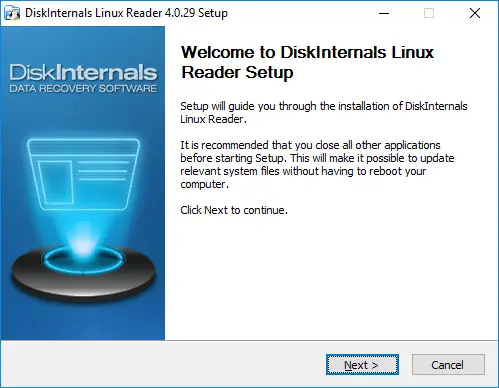
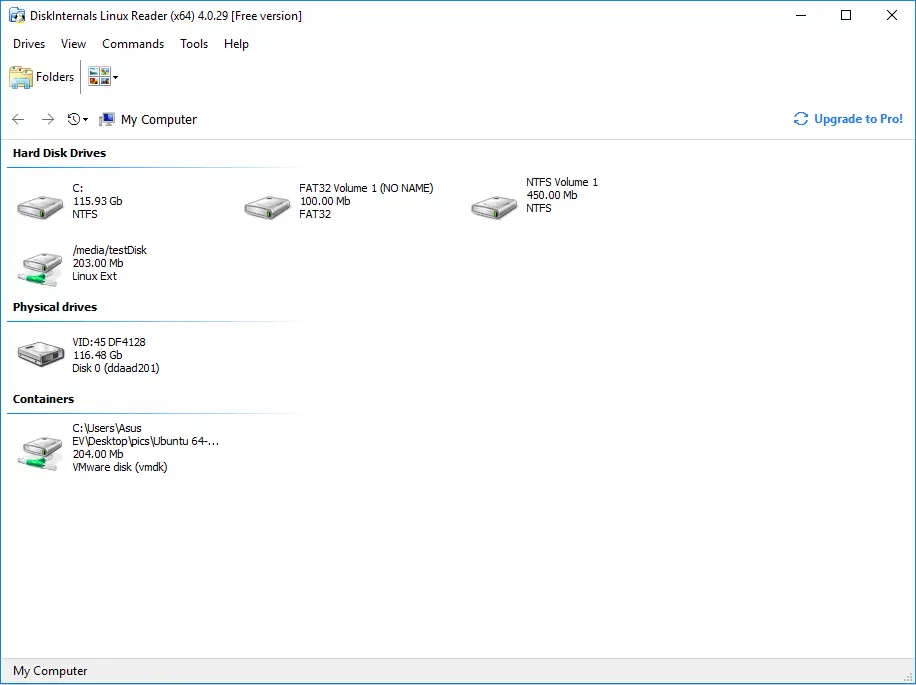
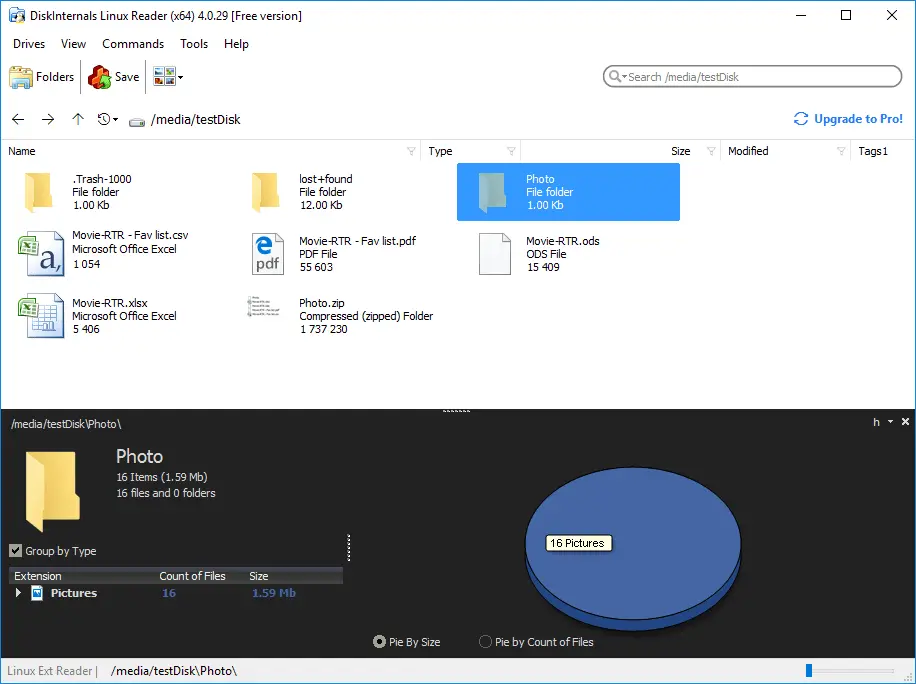
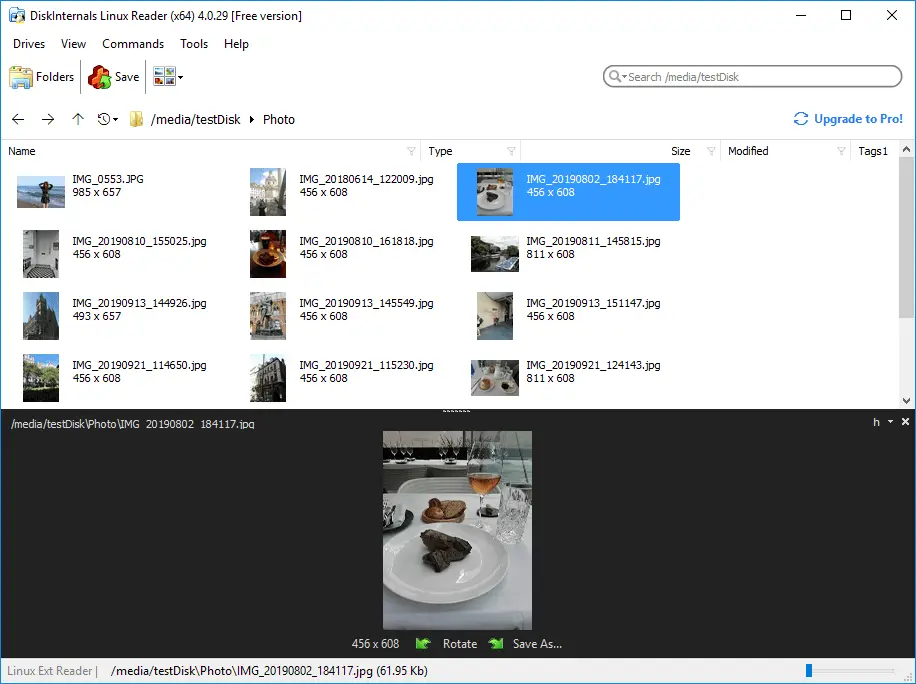
So you've got some Linux files you wish to open, but you're operating in Windows; how do you intend to open to files? It is not possible to open Linux partitions while you're in Windows; however, with the use of DiskInternals Linux Reader, you can access and view all your Linux files easily. DiskInternals Linux Reader is a software utility designed for dual-boot PC operators and virtual machines. It is a handy software tool with a user-friendly interface.
Related articles
- About a bash date command
- How to Access Linux Ext2 or Ext3 on Windows
- How to Access Ext4 from Windows
- How to Mount Ext4 on Windows for Free
- Mount Linux Drive on Windows for Free
- Bash Script: All You Need to Know
- An Algorithm: How to Create Bash While Loop
- Linux Shell: What You Need to Know at First
- 5 Basic Shell Script Examples for Your First Script
- Bash: How to Check if the File Does Not Exist
- Bash Time Command on Linux
- How to use bash get script directory in Linux
- How to Check Bash String Equality
- How to Use Linux Wait Command
- Bash: How to Loop Through Files in Directory
- 20 Examples of Bash Find Command
- Bash Cat Command in Examples
- Bash Script SSH: How to Use It
- Bash: A Script For User Input
- Linux ZSH: the basic you need to know
- Basic of Grep in Linux Shell Script
- Shell Script Cut: Basic You Need to Know
- Bash: How to Check if String Not Empty in Linux
- Bash: how to split strings in Linux
- Linux: Sudo in Bash Scripts
- Hello World Script in Bash
- A Linux bin/bash Shell
- Linux: New Line in Shell Script
- Linux: Bash String Ends With
- Linux: Bash Printf Examples
- Linux: Bash First Line
- Linux: $0 in a Shell Script
- Linux: A Bash Startup Script
- Linux: Write a Shell Script
- Shell Script: Replace String in File
- A crontab service shell script
- Bash and sh: is there any difference
- A Bash Dirname Command
- Linux: A Bash Source Command
- A Bash to Loop through Lines in File
- Linux: A Bash Linter
- A Bash Nested Loop
- A Bash Test Command
- Use a Shell Script to Send an Email
- A Bash Status of Last Command
- Linux: A Bash Basename Command
- Using Bash to Write to a File
- About Bash Language
- Bash for Loop in One Line
- AWK in a Bash Script
- Learn about useful bash scripts
- Learn about systemd startup script
- About chaining bash commands
- Learn about a bash error code
- Using a bash tee command
- About a bash export command
- Learn about a bash wait command
- Arch Linux install script
- About advanced bash scripting
- About a bash UNTIL loop
- Learn about C shell script
- Learn about Korn shell scripting
- Using /usr/bin/env command
- Whether bash waits for command to finish
- Using bash if 0
- Using && in an IF statement in bash
- If you want to run shell script in background
- The disk you inserted was not readable by this computer error
- Learn about SFTP in bash scripting
- Learn to run Perl script in Linux
- Examples of using the Expect
- Copy command in shell scripts
- Shell script usage
- Install Oracle Database
- Here is everything you need to know about Bash for Windows
- Guide in Pictures
- How to Use Shell Script Sleep Command
- A Bash Multiline Command