
Linux Writer™ for Windows
DiskInternals Linux Writer™ is a unique utility to read and write files on Ext4 partitions directly from Windows.
The product is based on the original Linux driver, which makes file operations safer and more reliable. Actual write operations are performed by the Linux driver itself, helping ensure stable and predictable writing to Ext4 volumes.Software works on Windows 8–11 and Windows Server 2012–2025, but only on x64 editions. DiskInternals Linux Writer™ uses Ext4 volumes with extents (the default since 2008), so it is compatible with all modern Linux filesystems.
Important to Know
Linux Writer™ comes with everything you need right in the installer. No extra drivers or add‑ons required.
Under the hood, it relies on the original Linux driver, Cygwin libraries, and the e2fsprogs toolkit, including tools like debugfs.exe and mke2fs.exe.
This approach allows Linux Writer™ to perform write operations through proven Linux-based components rather than attempting to imitate Ext4 writing logic from scratch on Windows.The licensing details are clearly shown in the program’s About section, and the installer also includes the Cygwin license file for full transparency.
Linux Writer™ Specifications
With Linux Writer™ you can:
- Open Ext4 files on Windows just like any other file
- Save new files and update old ones with ease
- Clean up your Ext4 partitions by deleting unwanted files and directories
- Rename files and folders to keep everything organized
- Add new folders on your Ext4 drives
System Requirements
- Designed for modern 64‑bit Windows systems (Windows 8–11)
- Fully supported on modern Windows Server versions (2012–2025, 64‑bit)
- Supports Ext4 drives with extents, the default format since 2008
- Only works with modern Ext4 — older Ext2/Ext3 and non‑extent Ext4 are not supported
Linux Writer™ Essentials
- Dual‑boot convenience → Access your Linux files directly from Windows without rebooting.
- Safe Ext4 writing from Windows → Write files to Linux partitions using the original Linux driver instead of risky unofficial write methods.
- Data recovery → Retrieve files from Ext4 partitions even if you can’t boot into Linux.
- External drive management → Open, edit, and organize files on USB or external disks formatted with Ext4.
- Professional workflows → Simplify tasks for system administrators, IT specialists, and forensic experts who require cross‑platform access.
How to Write Linux Files on Windows
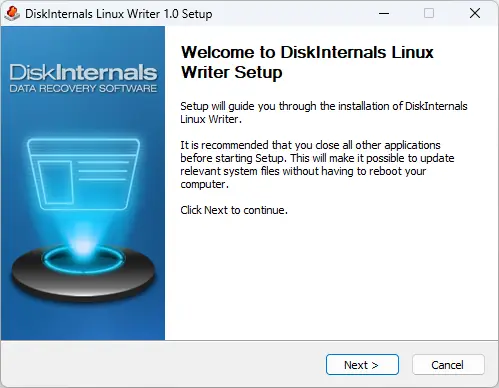
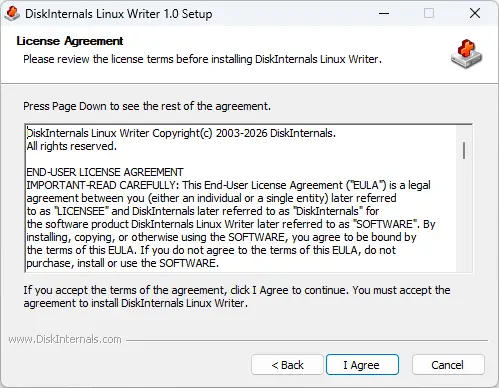
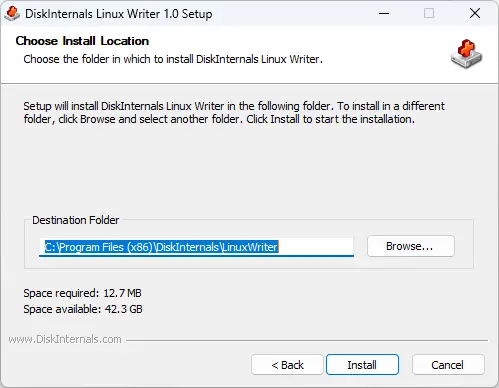
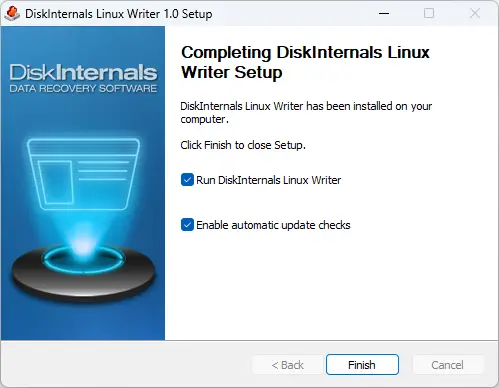
1. Install it straight from the package; no additional components are needed
2. Launch Linux Writer™ from your Start menu or desktop icon
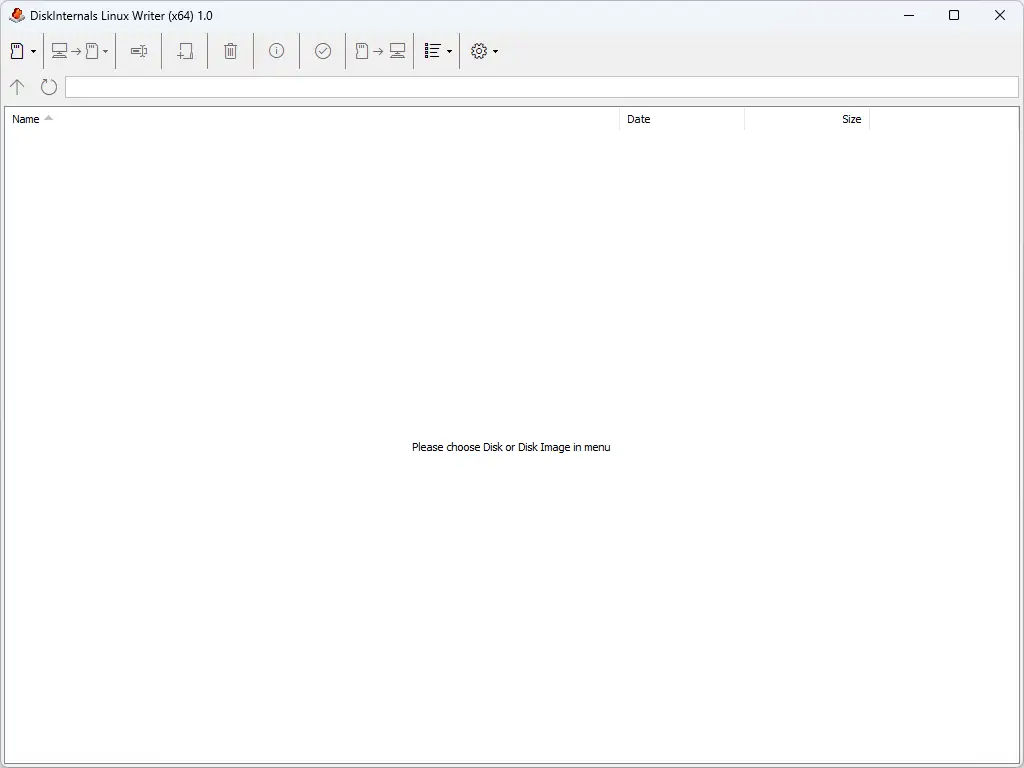
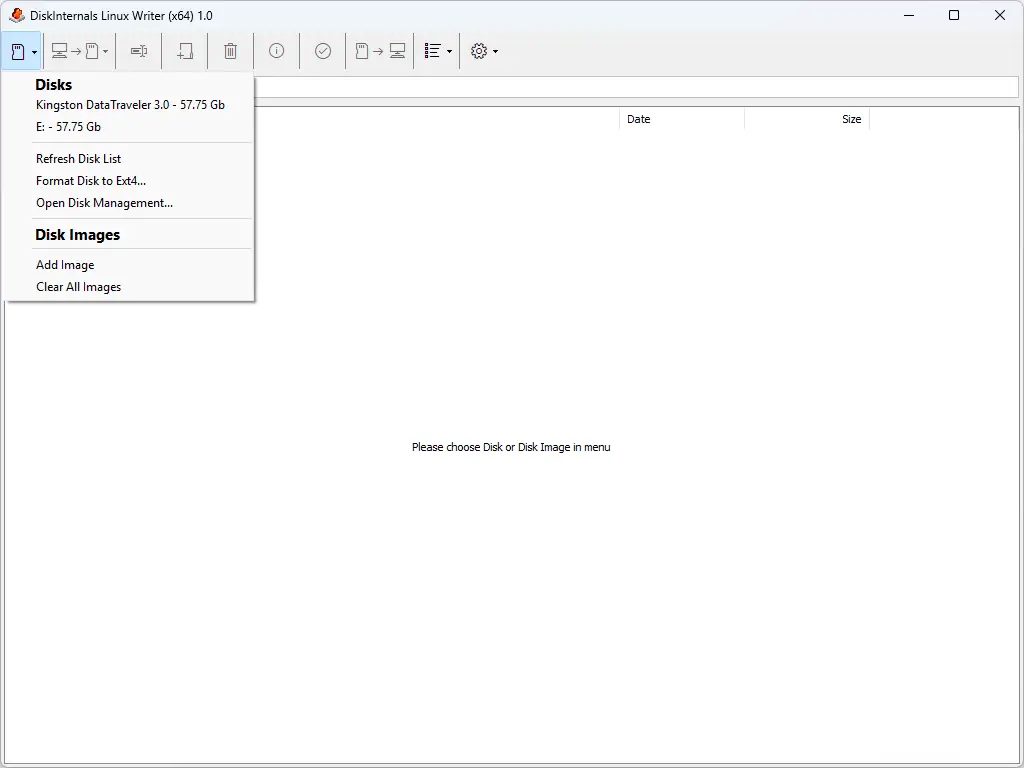
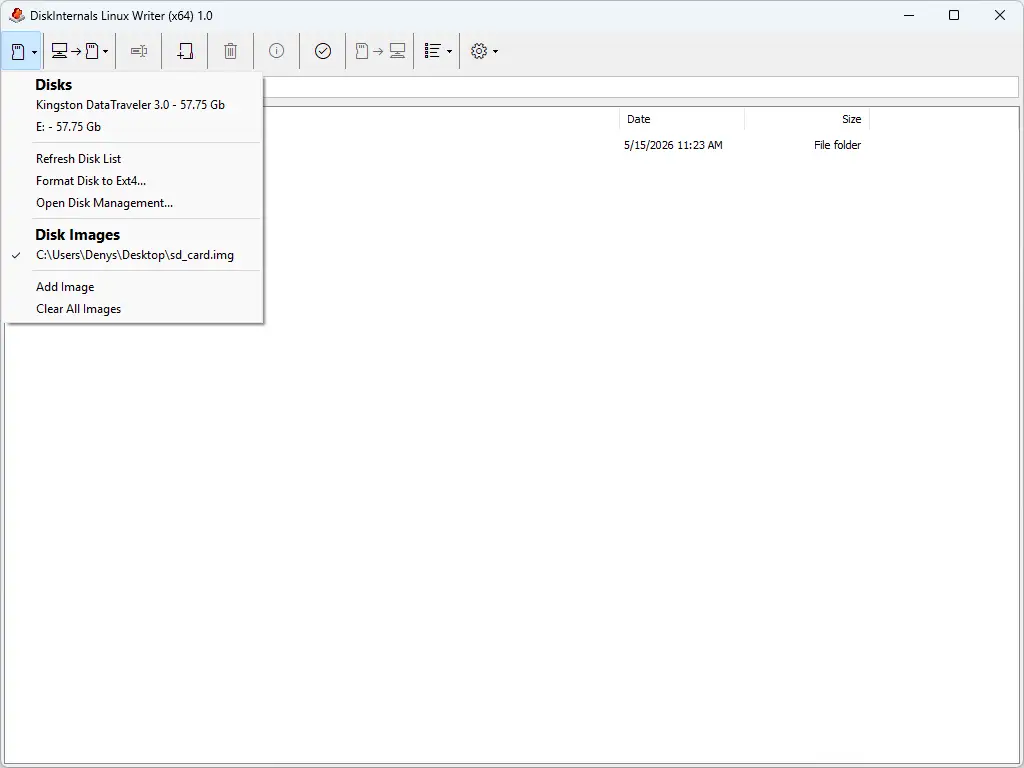
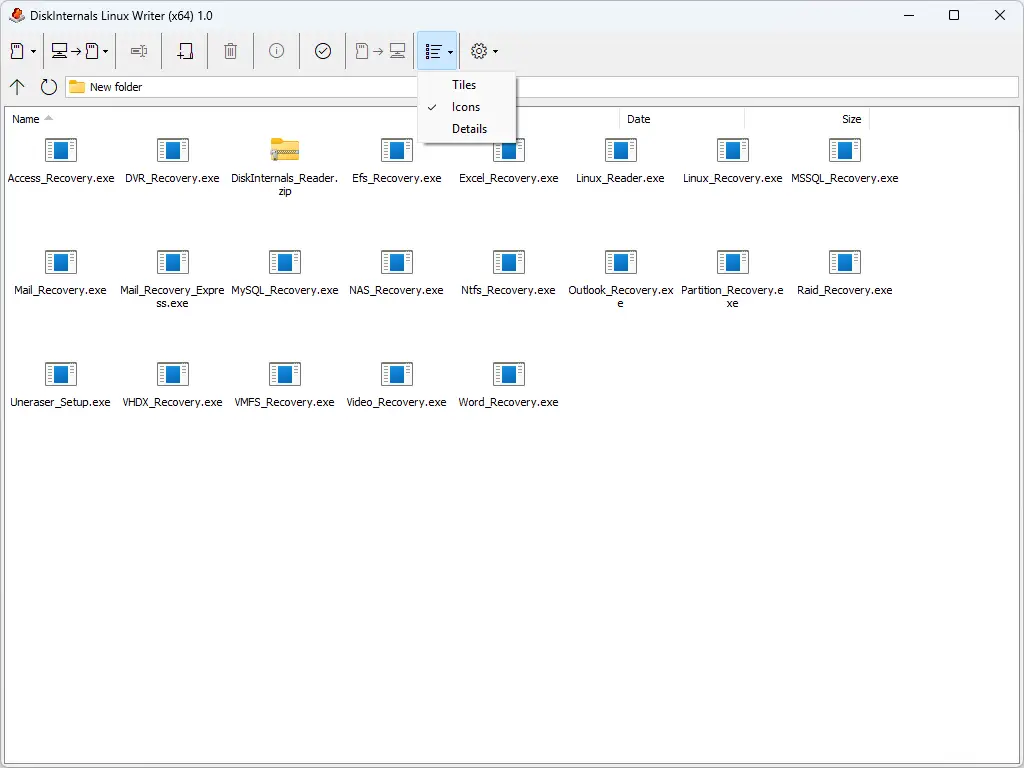
3. Pick the Ext4 partition you want to manage
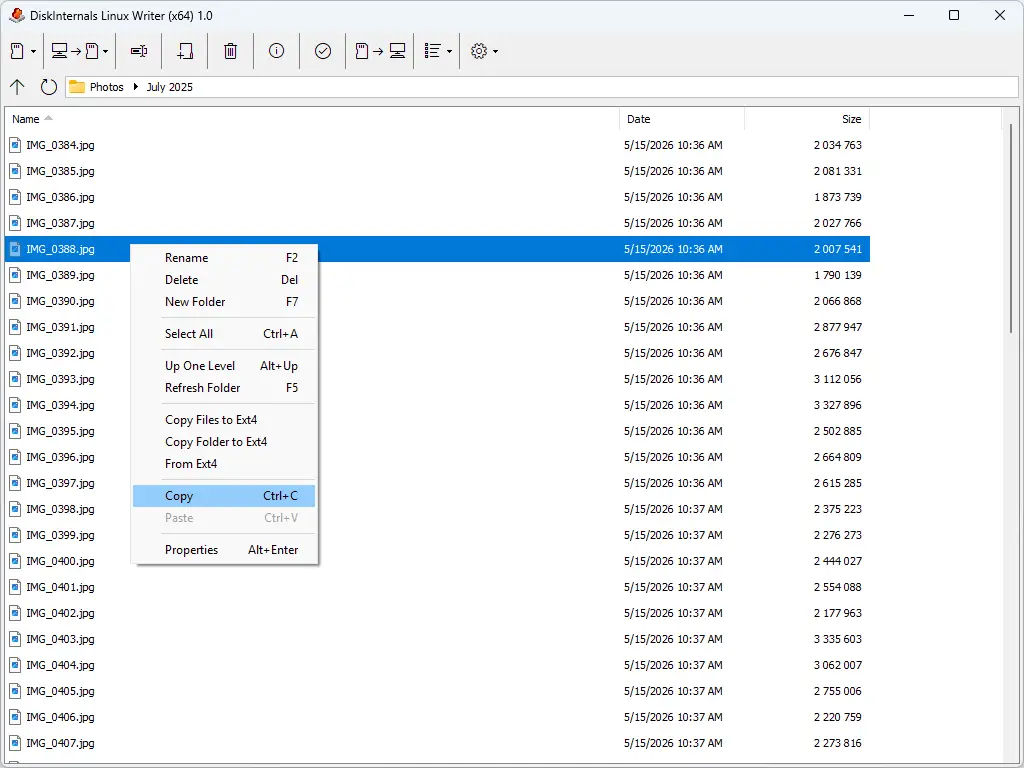
4. Manage Your Files:
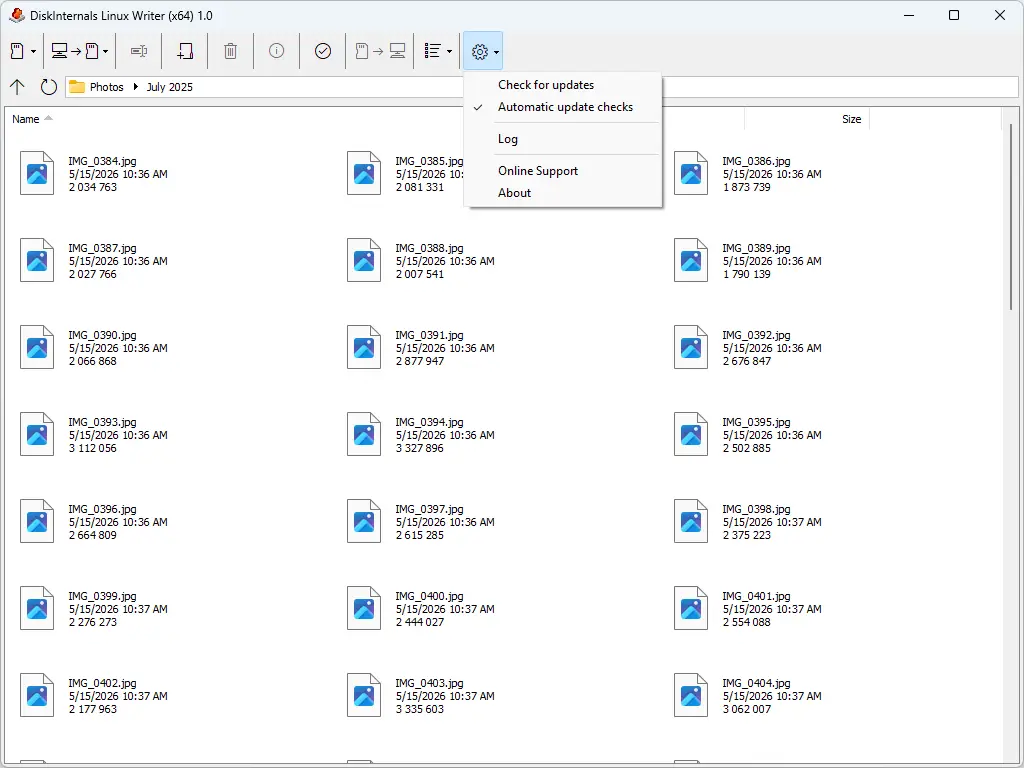
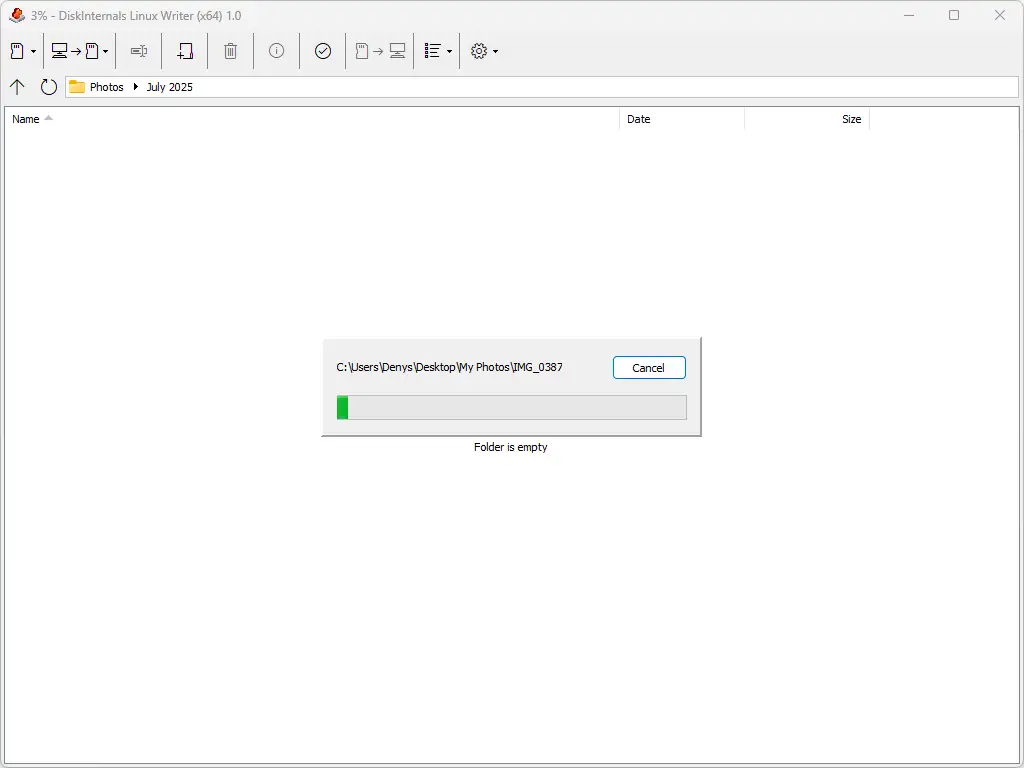
- Browse and open files stored on your Ext4 drives, just like in Windows Explorer.
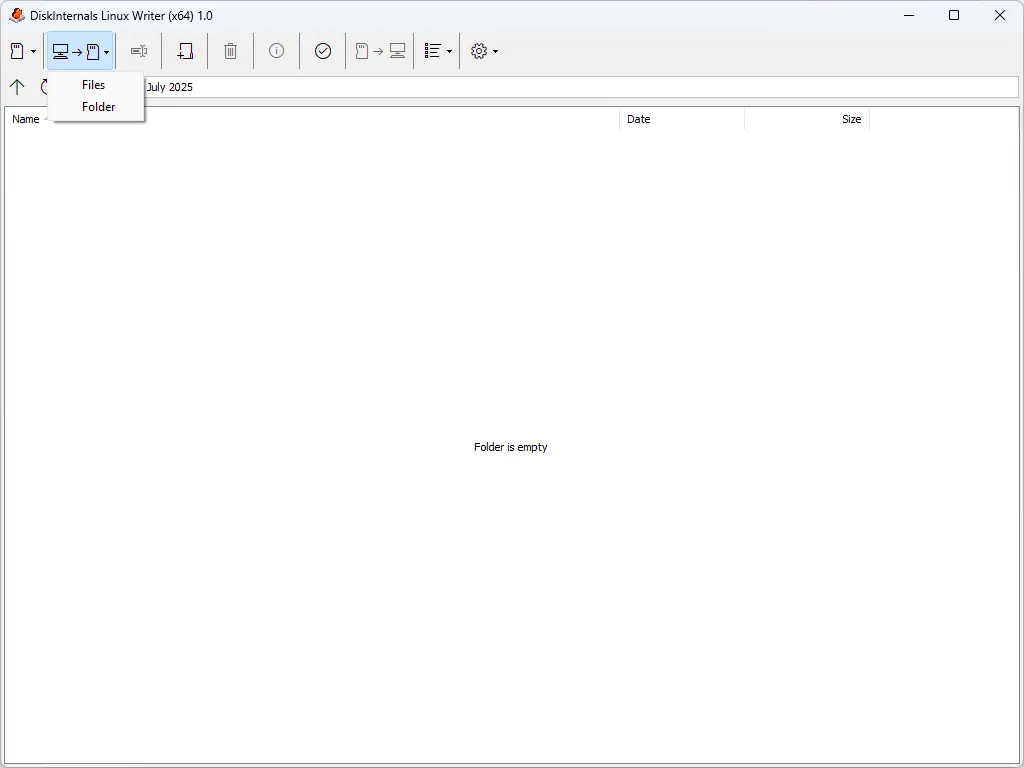
- Create new files or edit existing ones to keep your data up-to-date.
- Delete files or folders you no longer need to free up space.
- Rename items to stay organized and make content easier to find.
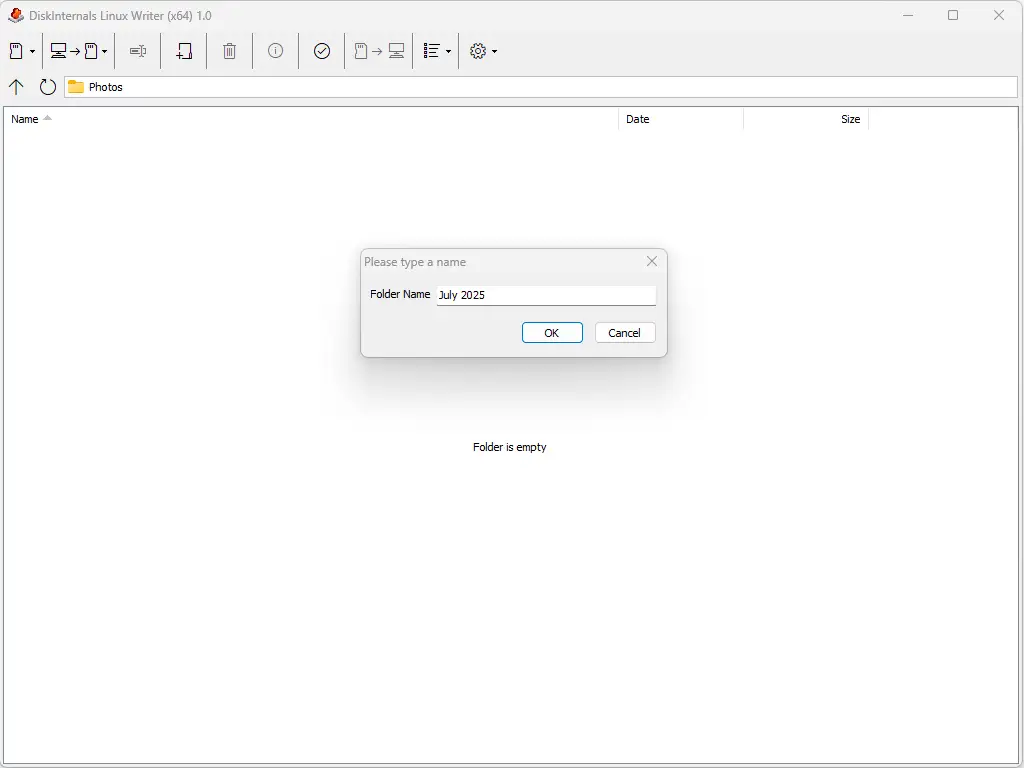
- 5. Create new directories to structure your files neatly.
- 6. Close Safely:
- Exit the program properly to ensure metadata integrity.
- This prevents corruption and keeps your Ext4 partition healthy.
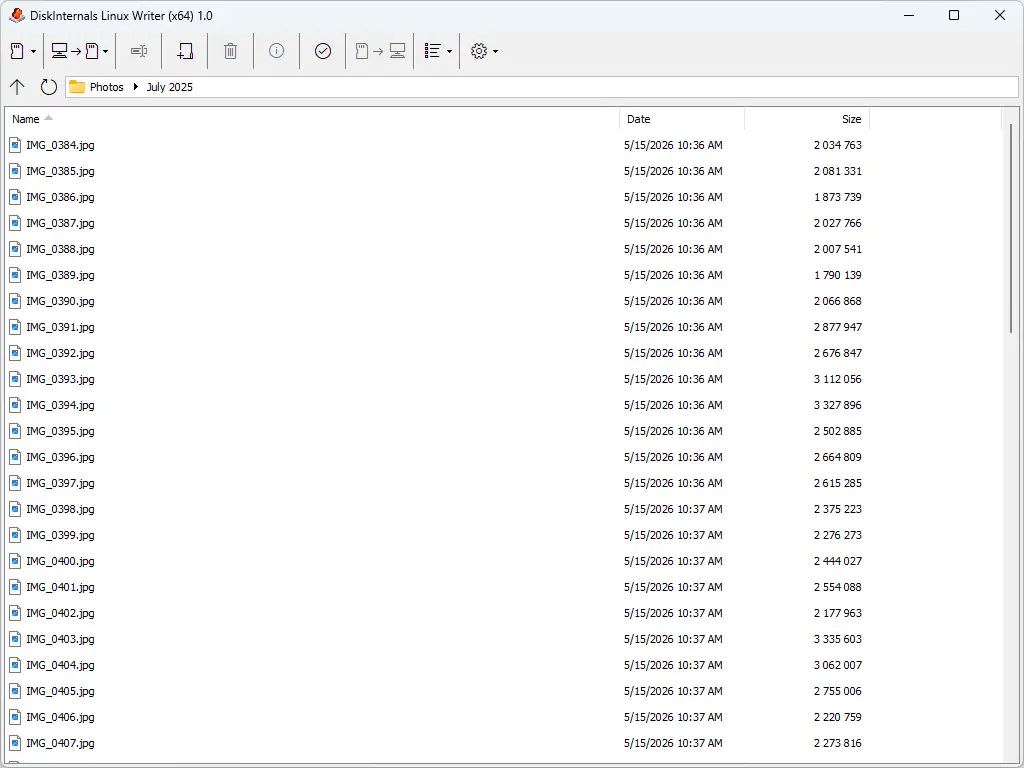
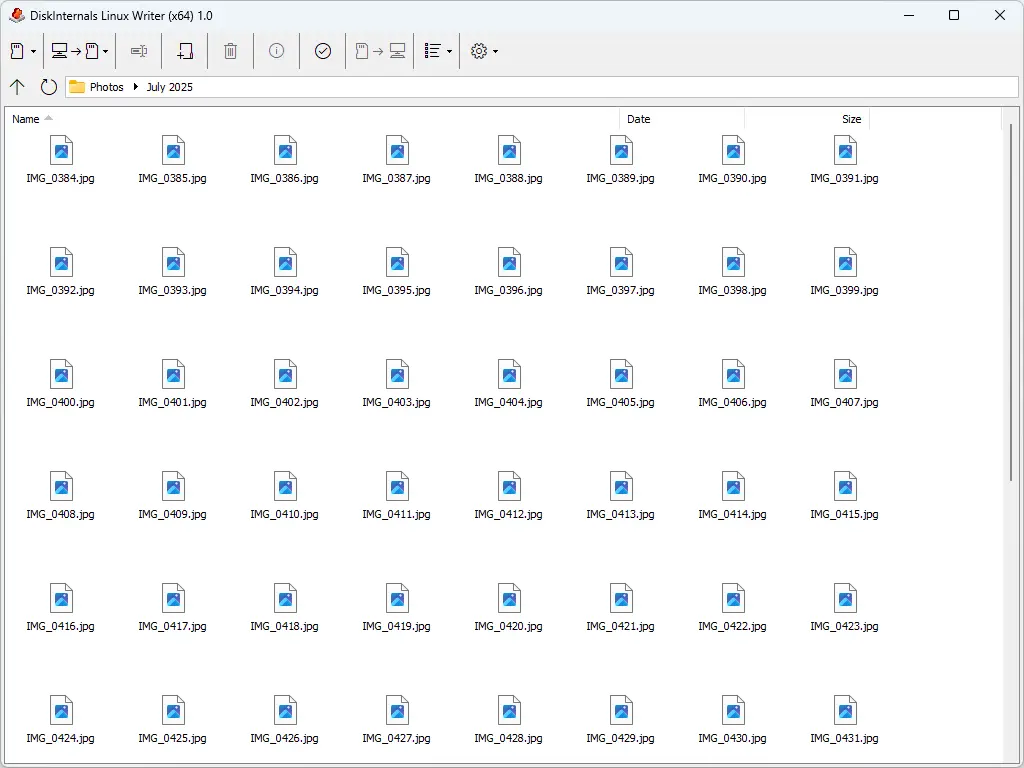
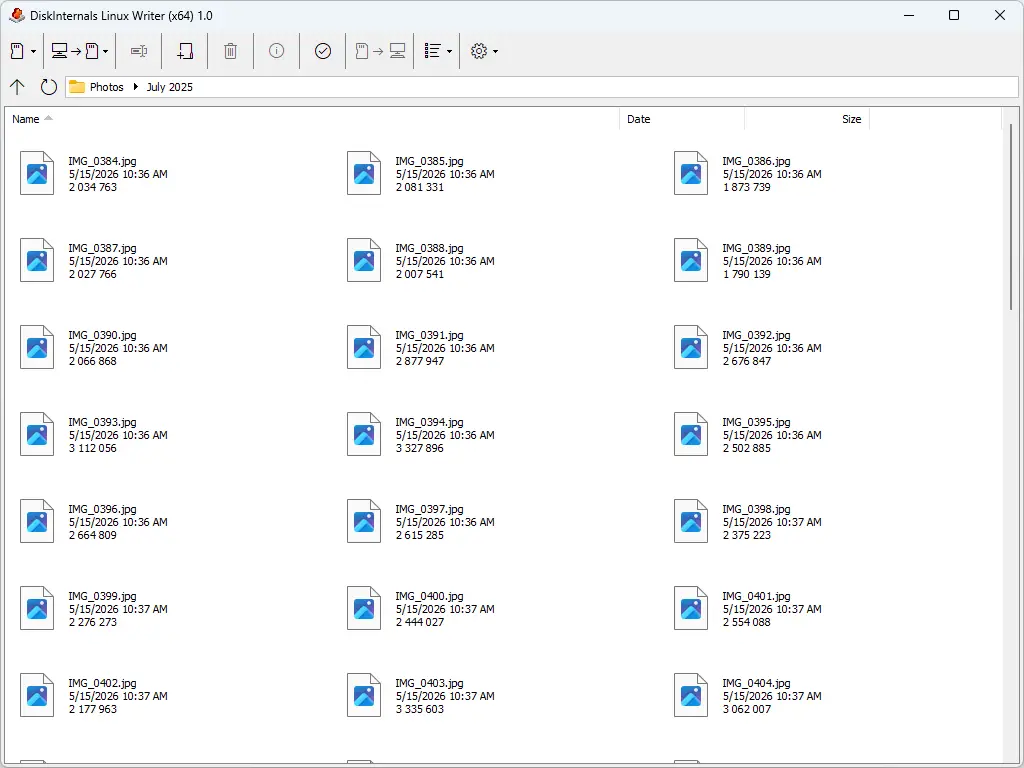
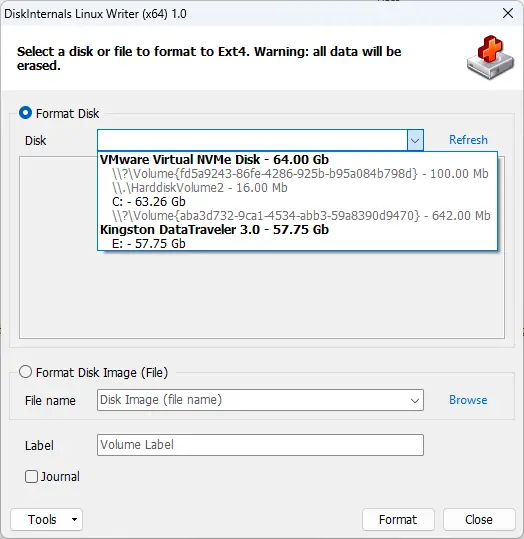
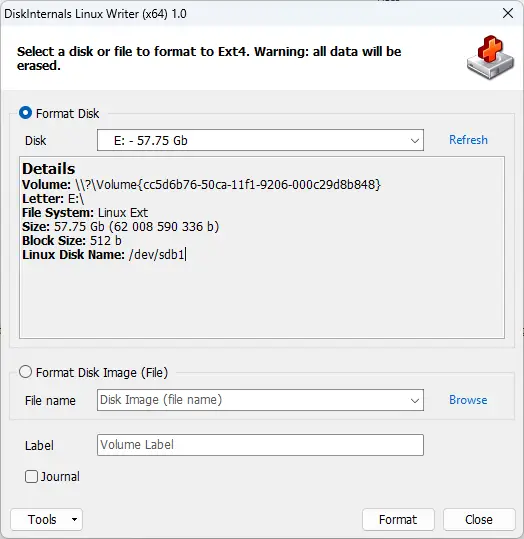
If you’ve ever struggled to access your Linux files from Windows, Linux Writer makes it effortless. Just install it, and you’re ready to read, edit, and organize your Ext4 partitions without rebooting or juggling extra tools. It’s lightweight, transparent, and built for admins, dual‑boot users, and recovery specialists who need a reliable bridge between systems. Download Linux Writer today and see how simple cross‑platform file management can be.