
What is Bash Language?
Here you will find out:
- what bash is
- functions, purpose and syntax of bash
- when DiskInternals can help you
Are you ready? Let's read!
Bash means literally “Bourne Again Shell”. The bash shell is considered one of the classic UNIX shells. On Linux or other UNIX-like systems, you can work with other shells, but bash is usually installed by default. The primary purpose of this shell is to call Linux commands and programs. That is, bash is a command interpreter. At the same time, this shell is a kind of programming language to facilitate work on the system.
Functions of bash
First, as mentioned above, bash is not only an interpreter, but also a programming language, as a result of which there are a lot of functions for this shell.
Bash supports command substitution, globalization of file names, functions, variables, control flow constructs, etc. In other words, this shell is considered a POSIX-compatible shell, with a number of extensions.
What is the purpose of a bash shell?
Like other Unix shells, the main goal of bash is to interpret commands that invoke an executable file, followed by a new running process. The bash shell itself does not perform any application tasks; it merely provides for the execution of all applications, searches for the required applications and programs, launches them and organizes I/O. Also, the shell is responsible for working with variables and performs certain transformations of arguments.
What is bash syntax?
The syntax of a bash command is somewhat similar to the syntax of the Bourne shell command, but more advanced.
So in bash, you can use:
- expansion of brackets
- basic debugging
- auto-completion
- signal processing
At the same time, Bash can execute almost all Bourne shell scripts and this happens absolutely without changes. It should also be noted that the Bash command syntax uses ideas from the C and Korn shell (command history, command line editing, directory stack, $ RANDOM and $ PPID variables, etc.).
How can DiskInternals Linux Reader help you?
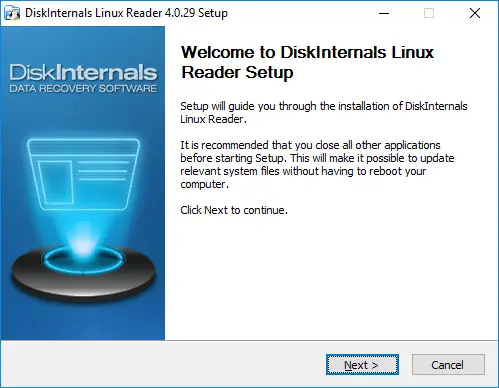
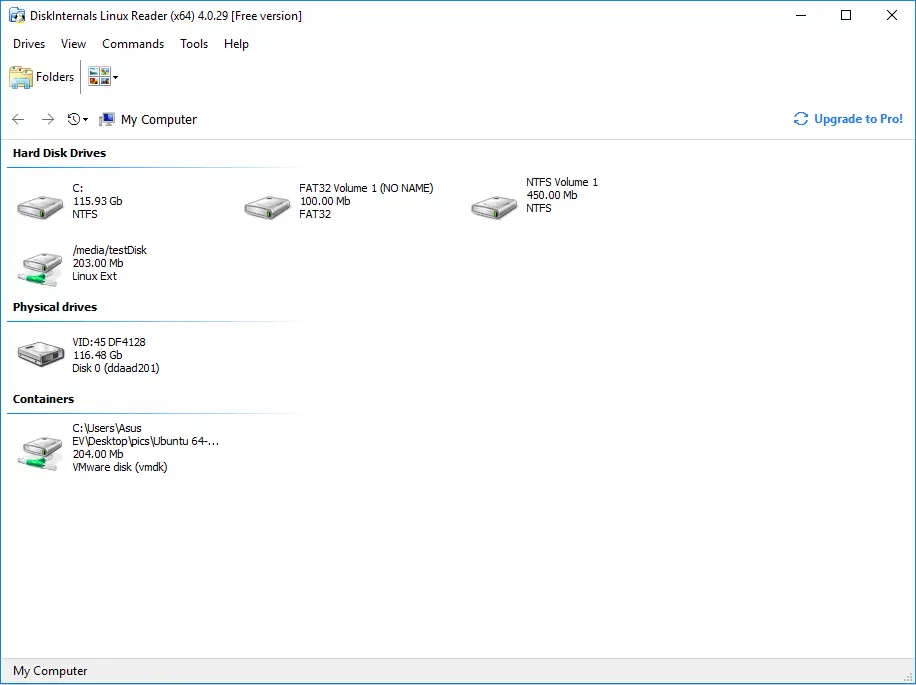
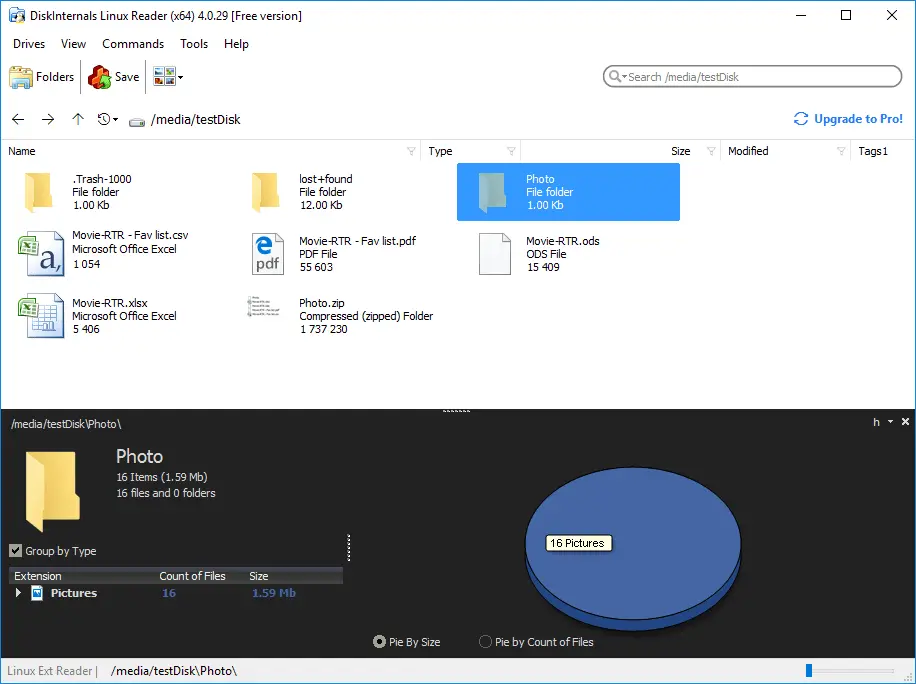
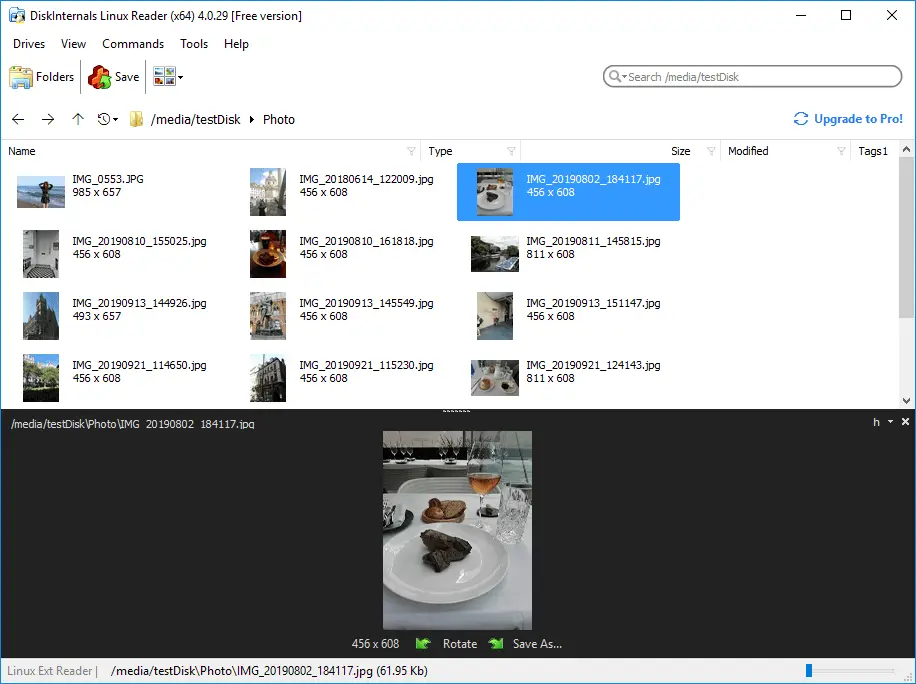
This application will help you if you are using a virtual machine or a dual-boot installation, and you need to get files from Linux to Windows. DiskInternals Linux Reader will do it for free, you just need to download this application and install it on your computer. This app is currently the market leader. At the same time, it provides access from Windows to various Linux file systems, such as NTFS, ReFS, UFS2, Ext2 / Ext3 / Ext4, HFS, ReiserFS and others. In addition, there is read-only access to files on Linux disks; that is, the original data remains in its original form. A preview before data transfer is required, but requires you to pay. DiskInternals Linux Reader works for you!
Related articles
- How to Access Linux Ext2 or Ext3 on Windows
- How to Access Ext4 from Windows
- How to Mount Ext4 on Windows for Free
- Mount Linux Drive on Windows for Free
- Bash Script: All You Need to Know
- An Algorithm: How to Create Bash While Loop
- Linux Shell: What You Need to Know at First
- How to Use Shell Script Sleep Command
- Bash: How to Check if the File Does Not Exist
- How to use bash get script directory in Linux
- 20 Examples of Bash Find Command
- Shell Script Cut: Basic You Need to Know
- Bash: How to Check if String Not Empty in Linux
- Linux: Sudo in Bash Scripts
- Linux: Bash Printf Examples
- Linux: Bash First Line
- Linux: A Bash Startup Script
- Linux: Write a Shell Script
- Shell Script: Replace String in File
- Bash and sh: is there any difference
- A Bash Dirname Command
- Linux: A Bash Source Command
- A Bash to Loop through Lines in File
- A Bash Nested Loop
- Use a Shell Script to Send an Email
- Using Bash to Write to a File
- Bash for Loop in One Line
- Learn about useful bash scripts
- About chaining bash commands
- About a bash export command
- Learn about a bash wait command
- Arch Linux install script
- About advanced bash scripting
- Learn about C shell script
- Learn about Korn shell scripting
- Using && in an IF statement in bash
- If you want to run shell script in background
- The disk you inserted was not readable by this computer error
- Learn about SFTP in bash scripting
- Copy command in shell scripts
- Install Oracle Database
- About a bash date command
- Guide in Pictures
- 5 Basic Shell Script Examples for Your First Script
- Bash Time Command on Linux
- How to Check Bash String Equality
- How to Use Linux Wait Command
- Bash: How to Loop Through Files in Directory
- Bash Cat Command in Examples
- Bash Script SSH: How to Use It
- Bash: A Script For User Input
- Linux ZSH: the basic you need to know
- Basic of Grep in Linux Shell Script
- Bash: how to split strings in Linux
- Hello World Script in Bash
- A Linux bin/bash Shell
- Linux: New Line in Shell Script
- Linux: Bash String Ends With
- Linux: $0 in a Shell Script
- A crontab service shell script
- A Bash Multiline Command
- Linux: A Bash Linter
- A Bash Test Command
- A Bash Status of Last Command
- Linux: A Bash Basename Command
- AWK in a Bash Script
- Learn about systemd startup script
- Learn about a bash error code
- Using a bash tee command
- To run a shell script in Dockerfile
- About a bash UNTIL loop
- Using /usr/bin/env command
- Whether bash waits for command to finish
- Using bash if 0
- Learn to run Perl script in Linux
- Examples of using the Expect
- Shell script usage
- Here is everything you need to know about Bash for Windows