
What is Korn shell script?
Here you will find out:
- what Korn shell is
- what the difference between Korn shell and the traditional Bourne shell is
- how to write a Korn shell script
- when DiskInternals can help you
Are you ready? Let's read!
About Korn shell
Korn shell (ksh) has a character-based user interface, similar to all other shells you know. As you may know, a character-based interface allows a user to enter text (commands), and it also prints the output of the commands in text form. In contrast, Graphical User Interfaces (GUIs) can print graphics, as well as accept different kinds of inputs.
A shell is character-based and enables UNIX-like OSes to communicate with kernels and execute commands. There are different types of shells, and ksh is one of the most common. Ksh is also the default shell for AIX systems.
The difference between Korn shell and the traditional Bourne shell
While the Bourne shell (or bash) is still popular as the “standard” shell, the Korn shell is gaining users, and here is why. Ksh is compatible with bash, but it has unique features. Plus, ksh comes with virtually the best features of the C shell. Ksh also allows for seamless command-line editing so a user can easily fix errors, thanks to the C shell’s history algorithm. These features are not available to bash users, and that says it all.
Other differences include:
- Ksh supports a choice of three command-line editors with vi, Emacs, and Gosling Emacs.
- Some versions of ksh support associative arrays and built-in floating-point arithmetic operations
How to write a Korn shell script
It all starts by introducing the shebang:

If you’re on an AIX system, use a text editor (ideally vi) for writing Korn scripts. Introduce the shebang and also add a script header to indicate the scriptwriter, date and maybe other info about the script (adding a script header is optional).
Korn shell scripts are saved with the .ksh extension. Thus, a Korn shell script can also be called a .ksh shell script or an AIX shell script.
As always, if you want to add comments to the script, write the comment info after the number symbol (#).
Example:
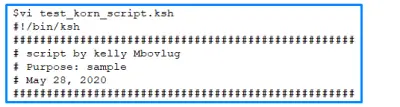
An example of a ksh shell script containing script header section
The operators available in Korn shell
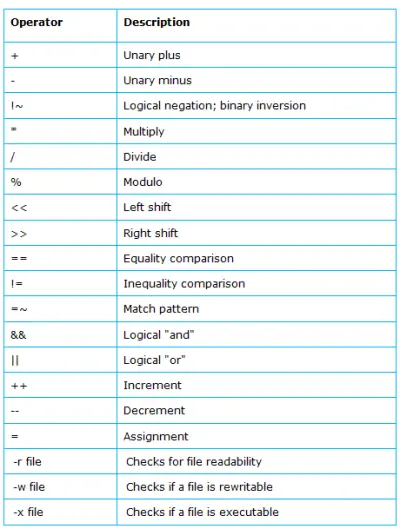
Most of the Korn shell operators are similar to those in the C programming language. They are, however, arranged into two categories:
- 1. Arithmetic and Logical Operators
- 2. File Test Operators
How to get files from Linux in Windows
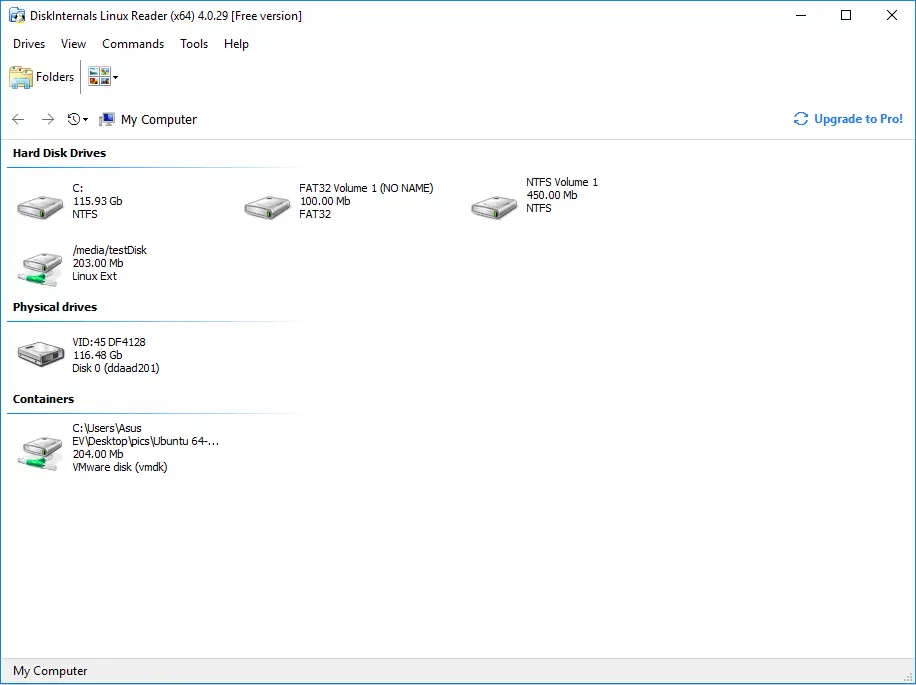
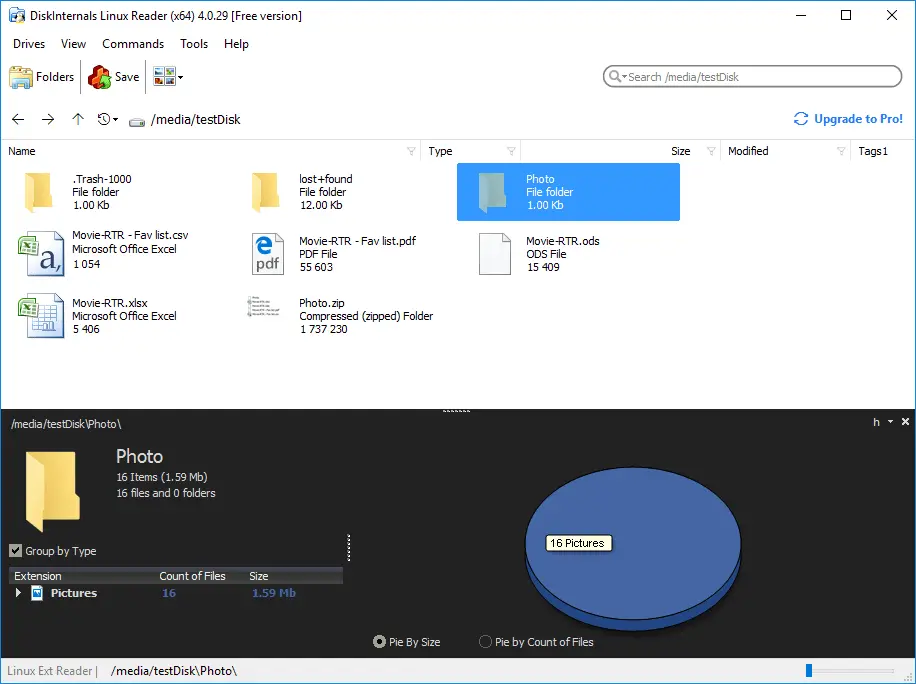
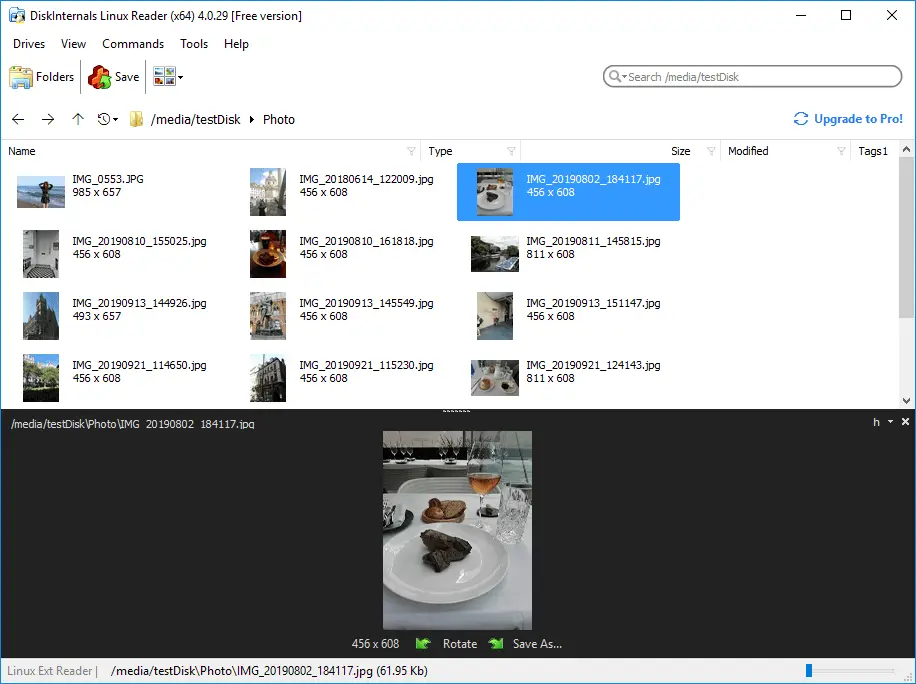
If you've got some files on your Linux partitions, but you're working in Windows, DiskInternals Linux Reader can help you to grab your files from those Linux partitions. This software is especially designed for dual-boot PC users. It works perfectly and supports virtually all Linux partitions. Also, DiskInternals Linux Reader features an easy-to-read interface. DiskInternals Linux Reader is free to download and has many great features.
Related articles
- How to Access Linux Ext2 or Ext3 on Windows
- How to Access Ext4 from Windows
- How to Mount Ext4 on Windows for Free
- Mount Linux Drive on Windows for Free
- Bash Script: All You Need to Know
- An Algorithm: How to Create Bash While Loop
- Linux Shell: What You Need to Know at First
- How to Use Shell Script Sleep Command
- Bash: How to Check if the File Does Not Exist
- How to use bash get script directory in Linux
- 20 Examples of Bash Find Command
- Shell Script Cut: Basic You Need to Know
- Bash: How to Check if String Not Empty in Linux
- Linux: Sudo in Bash Scripts
- Linux: Bash Printf Examples
- Linux: Bash First Line
- Linux: A Bash Startup Script
- Linux: Write a Shell Script
- Shell Script: Replace String in File
- Bash and sh: is there any difference
- A Bash Dirname Command
- Linux: A Bash Source Command
- A Bash to Loop through Lines in File
- A Bash Nested Loop
- Use a Shell Script to Send an Email
- Using Bash to Write to a File
- About Bash Language
- Bash for Loop in One Line
- Learn about useful bash scripts
- About chaining bash commands
- About a bash export command
- Learn about a bash wait command
- Arch Linux install script
- About advanced bash scripting
- Learn about C shell script
- Using && in an IF statement in bash
- If you want to run shell script in background
- The disk you inserted was not readable by this computer error
- Learn about SFTP in bash scripting
- Copy command in shell scripts
- Install Oracle Database
- About a bash date command
- Guide in Pictures
- 5 Basic Shell Script Examples for Your First Script
- Bash Time Command on Linux
- How to Check Bash String Equality
- How to Use Linux Wait Command
- Bash: How to Loop Through Files in Directory
- Bash Cat Command in Examples
- Bash Script SSH: How to Use It
- Bash: A Script For User Input
- Linux ZSH: the basic you need to know
- Basic of Grep in Linux Shell Script
- Bash: how to split strings in Linux
- Hello World Script in Bash
- A Linux bin/bash Shell
- Linux: New Line in Shell Script
- Linux: Bash String Ends With
- Linux: $0 in a Shell Script
- A crontab service shell script
- A Bash Multiline Command
- Linux: A Bash Linter
- A Bash Test Command
- A Bash Status of Last Command
- Linux: A Bash Basename Command
- AWK in a Bash Script
- Learn about systemd startup script
- Learn about a bash error code
- Using a bash tee command
- To run a shell script in Dockerfile
- About a bash UNTIL loop
- Using /usr/bin/env command
- Whether bash waits for command to finish
- Using bash if 0
- Learn to run Perl script in Linux
- Examples of using the Expect
- Shell script usage
- Here is everything you need to know about Bash for Windows