
Linux bin/bash: All You Need to Know
Here you will find out:
- what a Linux bin/bash shell is and its alternatives
- whether it is any difference between /bin/bash and /bin/sh
- when DiskInternals can help you
Are you ready? Let's read!
What is a Linux bin/bash shell?
The Linux bin/bash shell is one of the most popular and widespread among shells. The executable bash shell path is /bin/bash.
It is used to launch Linux commands.
Find out more about the bin/bash command
/bin/sh is an executable file that represents the system shell. In fact, whether the shell is a system shell or an executable, it is usually realized as a symbolic link to the executable.
Linux shell is the default shell in system script usage. In Linux distributions, this has often been a symbolic link to bash for a long time, so always linking /bin/sh to bash or to the bash-compatible shell has become the norm.
But it's not only for the users of the bash shell. Shell scripts need a shell to interpret it.
When running a shell script, the system needs to start a shell process to execute the script.
The script can specify #!/bin/bash on the first line, which means that the script should always be run in bash and not in other shells.
Other shells to use as alternatives to bin/bash shell
There are many alternatives to Linux bin/bash, despite the fact that it is a very popular shell. Some of them are here:
- SH is a very basic shell with the basic functions of bash.
- KSH is short for KornShell and has bash-like functions.
- CSH is mainly designed using the C programming language.
What is the difference between /bin/bash and /bin/sh?
As mentioned earlier, bash binaries are usually stored in the /bin/bash path. /bin/sh provides the SH shell, which is a simplified version of bash.
You can use the man command shown below to list the details. Here you can find detailed information about the bash shell and related commands.

The best way to open Linux files from Windows
If you are running a virtual computer or other operating system and want to transfer the file system from one system to another, DiskInternals Linux Reader is one of the best software tools that can be used to easily install, transfer and read files on Windows.
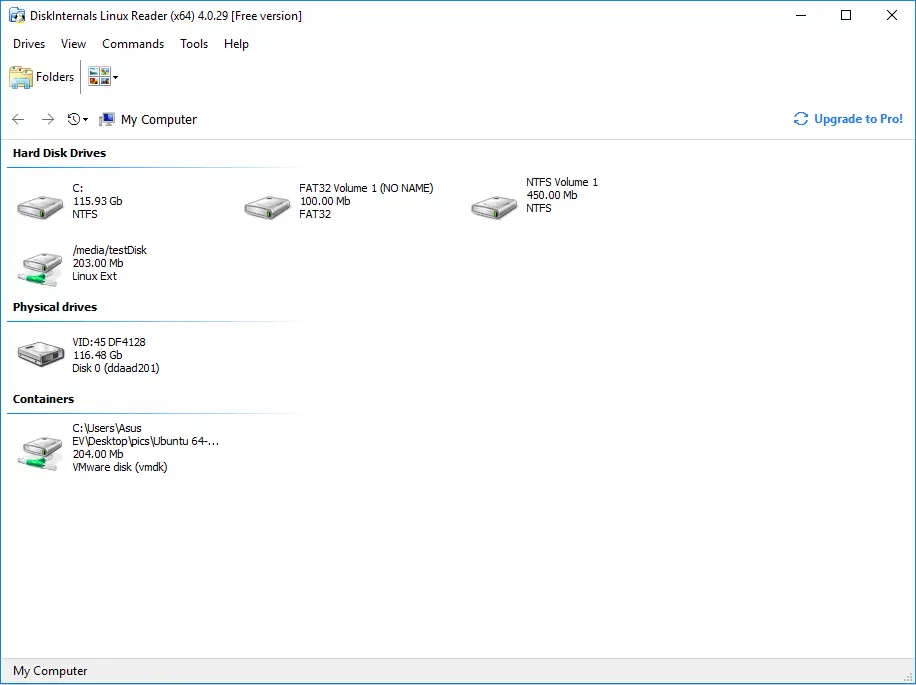
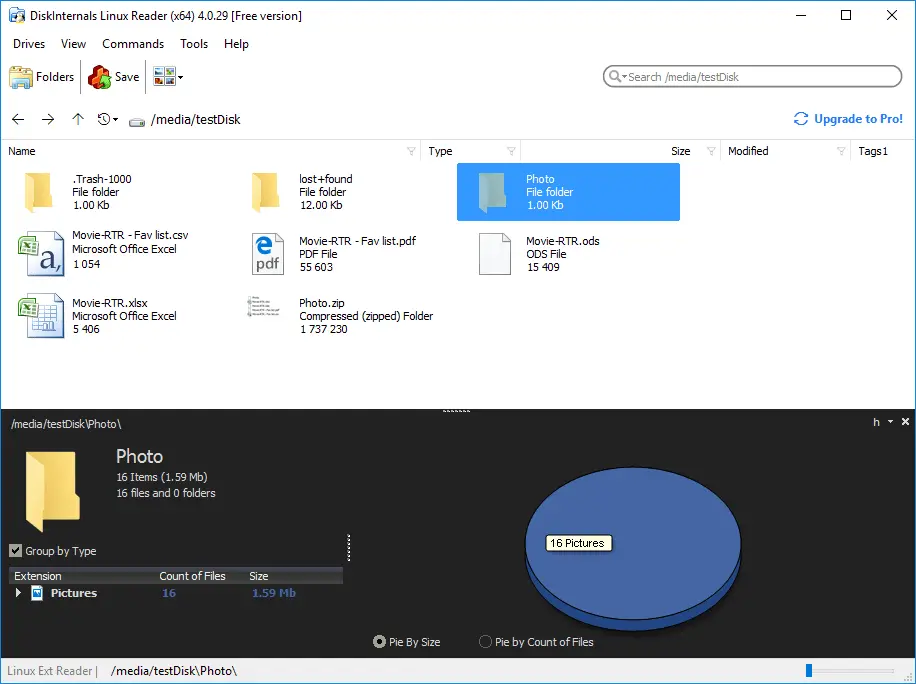
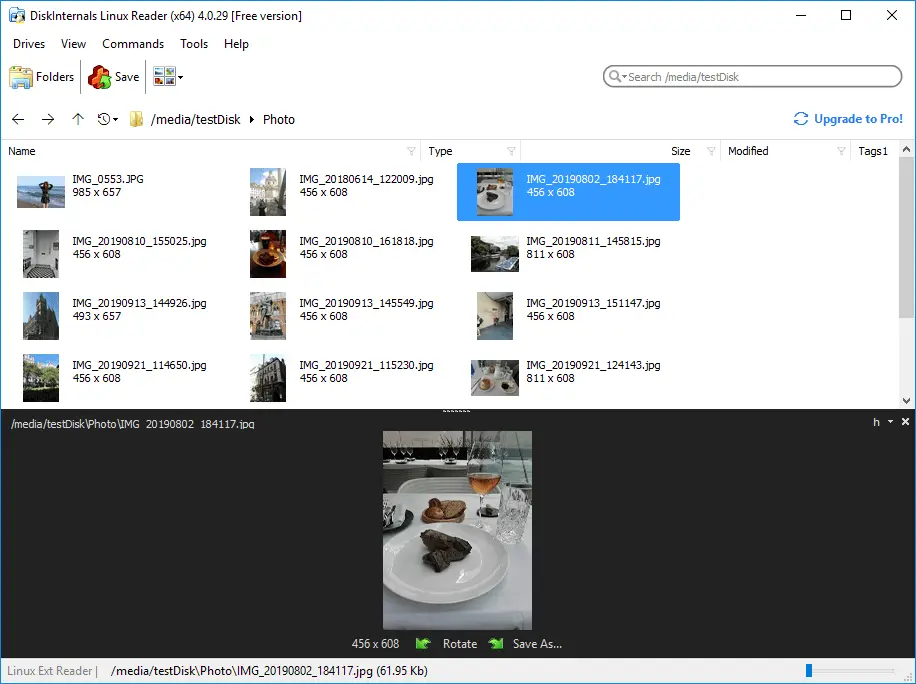
Not only is it fast, efficient, and easy to use, it has an excellent user interface and experience.
Related articles
- How to Access Linux Ext2 or Ext3 on Windows
- How to Access Ext4 from Windows
- How to Mount Ext4 on Windows for Free
- Mount Linux Drive on Windows for Free
- Bash Script: All You Need to Know
- An Algorithm: How to Create Bash While Loop
- Linux Shell: What You Need to Know at First
- How to Use Shell Script Sleep Command
- Bash: How to Check if the File Does Not Exist
- How to use bash get script directory in Linux
- 20 Examples of Bash Find Command
- Shell Script Cut: Basic You Need to Know
- Bash: How to Check if String Not Empty in Linux
- Linux: Sudo in Bash Scripts
- Linux: Bash Printf Examples
- Linux: Bash First Line
- Linux: A Bash Startup Script
- Linux: Write a Shell Script
- Shell Script: Replace String in File
- Bash and sh: is there any difference
- A Bash Dirname Command
- Linux: A Bash Source Command
- A Bash to Loop through Lines in File
- A Bash Nested Loop
- Use a Shell Script to Send an Email
- Using Bash to Write to a File
- About Bash Language
- Bash for Loop in One Line
- Learn about useful bash scripts
- About chaining bash commands
- About a bash export command
- Learn about a bash wait command
- Arch Linux install script
- About advanced bash scripting
- Learn about C shell script
- Learn about Korn shell scripting
- Using && in an IF statement in bash
- If you want to run shell script in background
- The disk you inserted was not readable by this computer error
- Learn about SFTP in bash scripting
- Copy command in shell scripts
- Install Oracle Database
- About a bash date command
- Guide in Pictures
- 5 Basic Shell Script Examples for Your First Script
- Bash Time Command on Linux
- How to Check Bash String Equality
- How to Use Linux Wait Command
- Bash: How to Loop Through Files in Directory
- Bash Cat Command in Examples
- Bash Script SSH: How to Use It
- Bash: A Script For User Input
- Linux ZSH: the basic you need to know
- Basic of Grep in Linux Shell Script
- Bash: how to split strings in Linux
- Hello World Script in Bash
- Linux: New Line in Shell Script
- Linux: Bash String Ends With
- Linux: $0 in a Shell Script
- A crontab service shell script
- A Bash Multiline Command
- Linux: A Bash Linter
- A Bash Test Command
- A Bash Status of Last Command
- Linux: A Bash Basename Command
- AWK in a Bash Script
- Learn about systemd startup script
- Learn about a bash error code
- Using a bash tee command
- To run a shell script in Dockerfile
- About a bash UNTIL loop
- Using /usr/bin/env command
- Whether bash waits for command to finish
- Using bash if 0
- Learn to run Perl script in Linux
- Examples of using the Expect
- Shell script usage
- Here is everything you need to know about Bash for Windows