How G Suite admins can use the Admin Console
Here you will find out:
- what the G Suite Admin Console can do
- what advantages of using the G Suite Admin Console are
- how DiskInternals can help you
Are you ready? Let's read!
What can the G Suite Admin Console do?
Google has enabled some new enhanced desktop security features in its G Suite product line for Windows. This will allow users to access, manage, and secure their Windows 10 devices through the Admin Console interface. SSO is also enabled, allowing users easy access to G Suite and other SSO-enabled applications from Windows 10 systems or devices.
Things that G Suite admins can do with the newly introduced controls include:
- Log in to Windows 10 using existing G Suite account credentials.
- Protect other user accounts with anti-hijacking, anti-phishing, and suspicious login detection functions.
- Perform several admin actions from the cloud without any network requirements. This includes wiping a device or pushing configuration updates to Windows 10 devices.
Advantages of using the G Suite Admin Console
More automatic functions can be achieved from this console. For example, automatic device registration allows you to access and secure all your devices in one console. Also, cloud-based policy and device configuration deployment simplifies organizational data management and security. It is also possible to wipe devices remotely.
Furthermore, the G Suite Admin Console minimizes the stress of having to log in to your devices individually. With G Suite, you only need to log in once on a Windows 10 device to gain access to all other Google apps and SSO-enabled enterprise cloud applications.
Availability for G Suite Editions
Not all versions of G Suite have access to the G Suite Admin Console:
- It is available for G Suite Enterprise for Cloud Identity Premium users and G Suite Enterprise for Education.
- It is unavailable for G Suite Basic, G Suite for Education, G Suite Business, Cloud Identity Free customers, and G Suite for Nonprofits.
Additional information
G Suite admins can use the Admin Console to set up policies, deploy configuration updates to devices via the cloud, and wipe devices when there’s a need for that. Also, admins can remove restraints preventing the installation of updates on user devices.
The policies and updates that admins can apply to devices through the G Suite Admin console include Windows Update, BitLocker, and desktop customization.
How to recover lost or deleted email messages
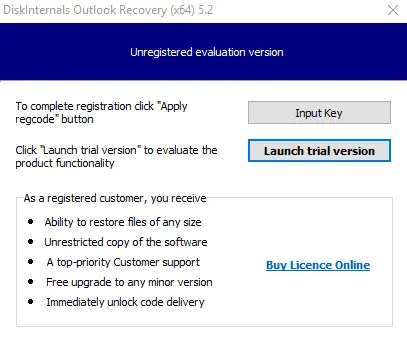
If you’re looking for a way to recover your lost or deleted email messages on Outlook, DiskInternals Outlook Recovery is an ideal solution for you.
DiskInternals Outlook Recovery recovers is an advanced software solution that’s capable of retrieving email messages and attachments lost or deleted from your Outlook database. It also fixes corrupted PST and OST database files. In function, this software recovers messages, attachments, WAB contacts, tasks, and calendars.
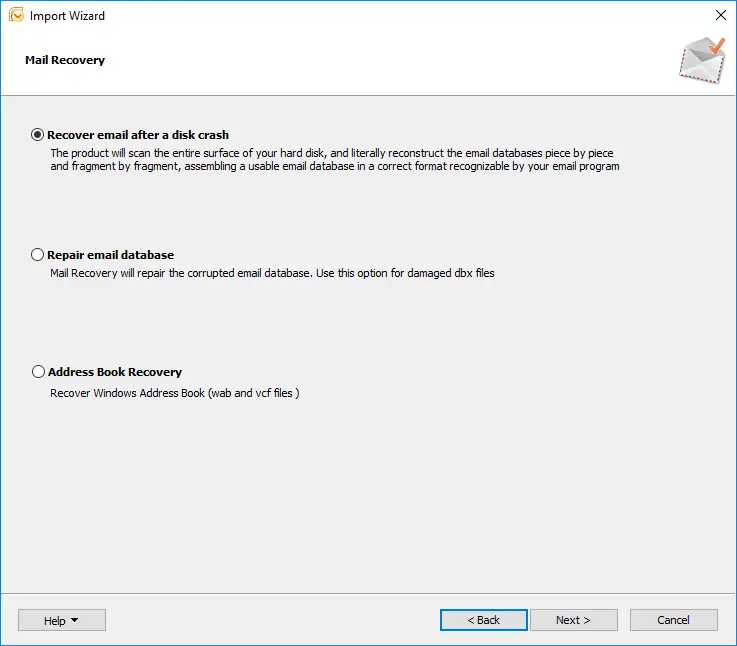
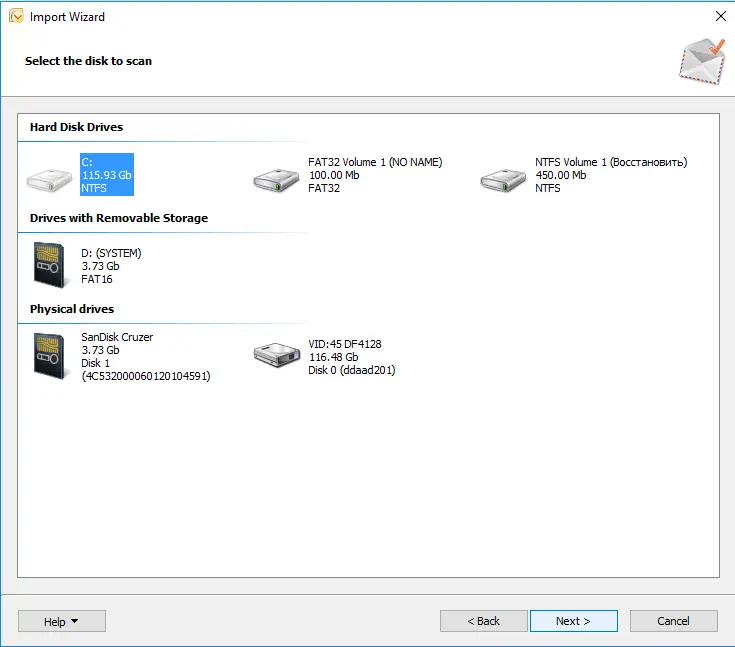
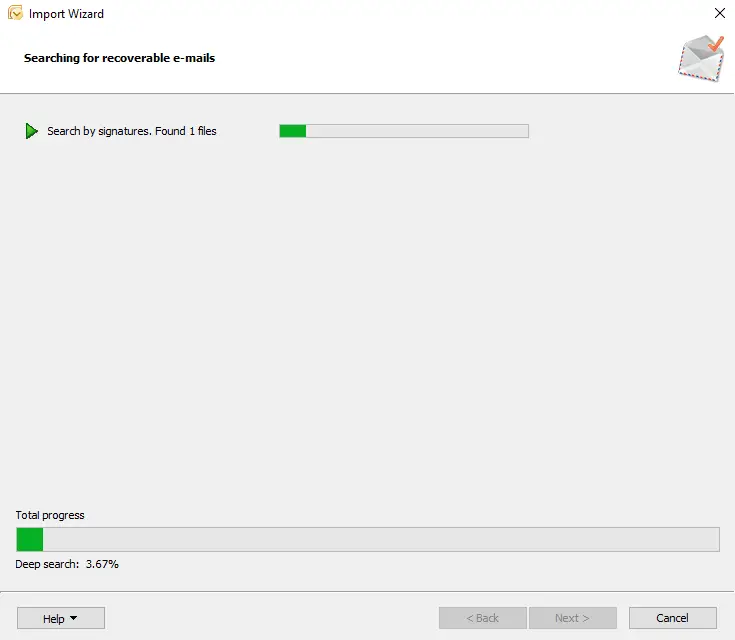
With an advanced Outlook recovery engine, DiskInternals Outlook Recovery guarantees successful recovery. The software features a Recovery Wizard that helps you through the recovery process; it’s very fast and easy. More interestingly, DiskInternals Outlook Recovery supports various file systems; thus, it can recover files from virtually all storage drives.
Related articles
- What to do if Microsoft Outlook has stopped working
- Unknown 0x80040119 Outlook error? Fix it!
- How to Recover Deleted Outlook Calendar on Windows
- Outlook Error Code 0x80040154
- Outlook not syncing your email
- Error 0x80070021 occurs: your actions
- Outlook won't open: your actions
- What if Outlook is not connecting to the server? Two solutions
- Ultimate Guide to Fix 'Microsoft Outlook Won’t Open or Start' Error
- Navigating the Rackspace Hosted Exchange Outage: A Guide to Restoring Services and Data
- Outlook data file cannot be accessed? Solve it!
- The best solutions for Microsoft Outlook implementation issues
- MS Outlook not responding? Fix the issue today!
- Move Outlook files to a new computer safely!
- Fix sending / receiving 0x8004210a Outlook error
- Outlook error 0x800ccc0f has a solution!
- Fix 0x80040600 errors in Outlook today!
- Manual: remove duplicate emails in Outlook fast!
- How to create PST file in Outlook 2013
- Errors have been detected in Outlook file? Fix it!
- If your Outlook folders or subfolders are missing
- We couldn't create the Outlook data file
- How to recover a Gmail account
- Recover Deleted Emails in Office 365
- How to save your mailing in case of Outlook error 0x800ccc0e?
- Outlook cannot connect to SMTP server
- Outlook stuck on loading profile? Fix it now!
- How to Encrypt Email in Outlook
- Here is how to open Outlook in safe mode
- A Comprehensive Guide to Opening OST Files in Various Outlook Versions
- Unlock Your Data: Free PST Recovery Software Guide